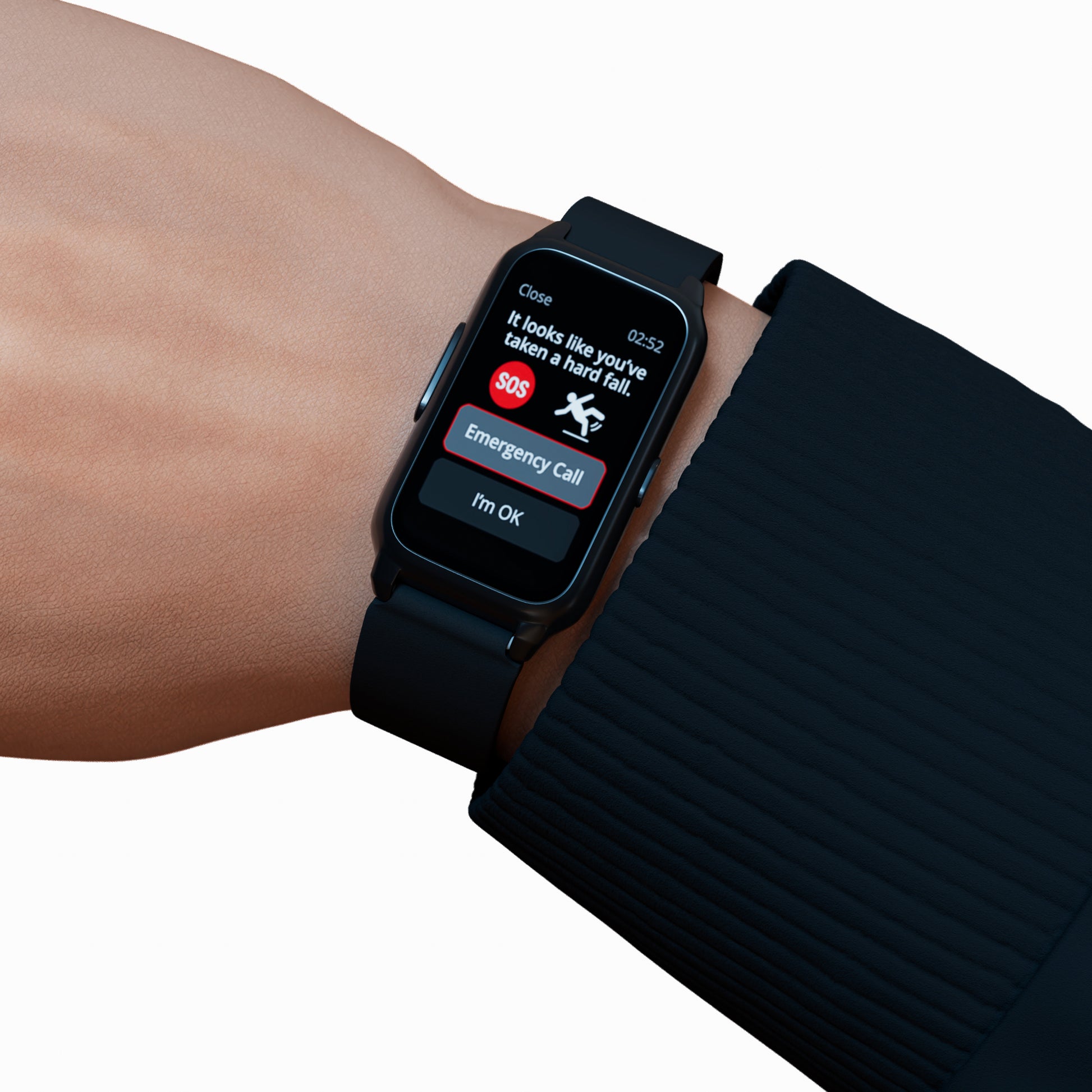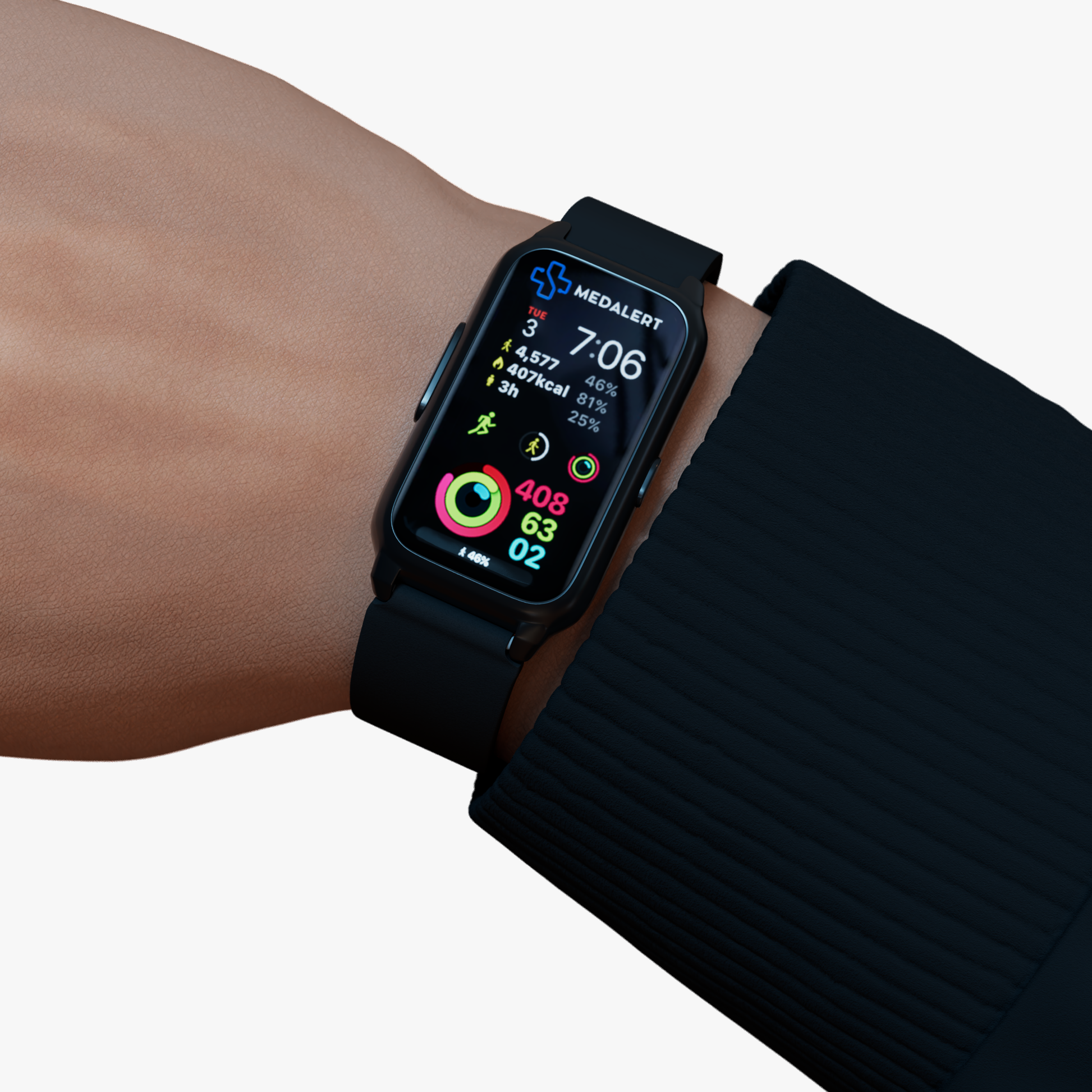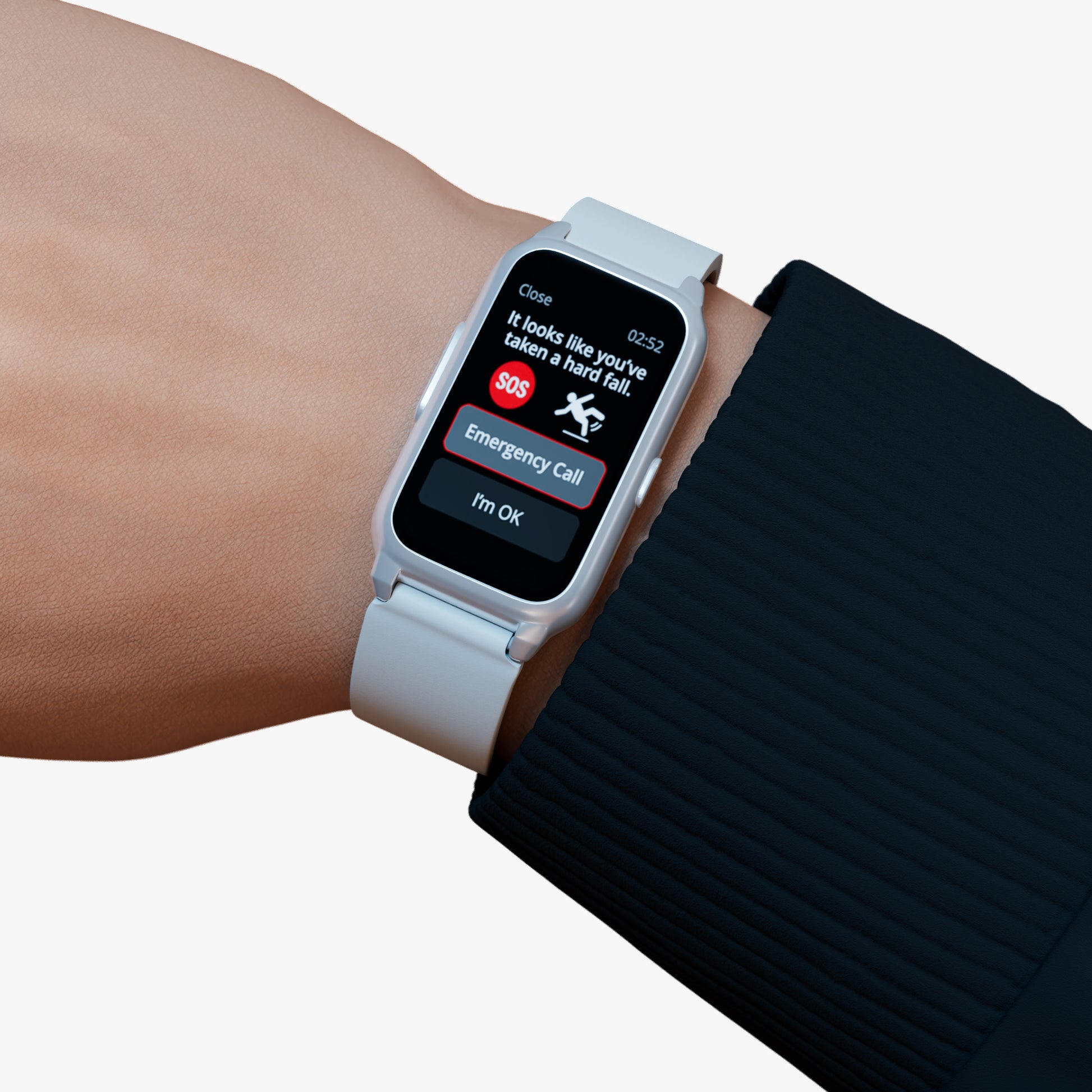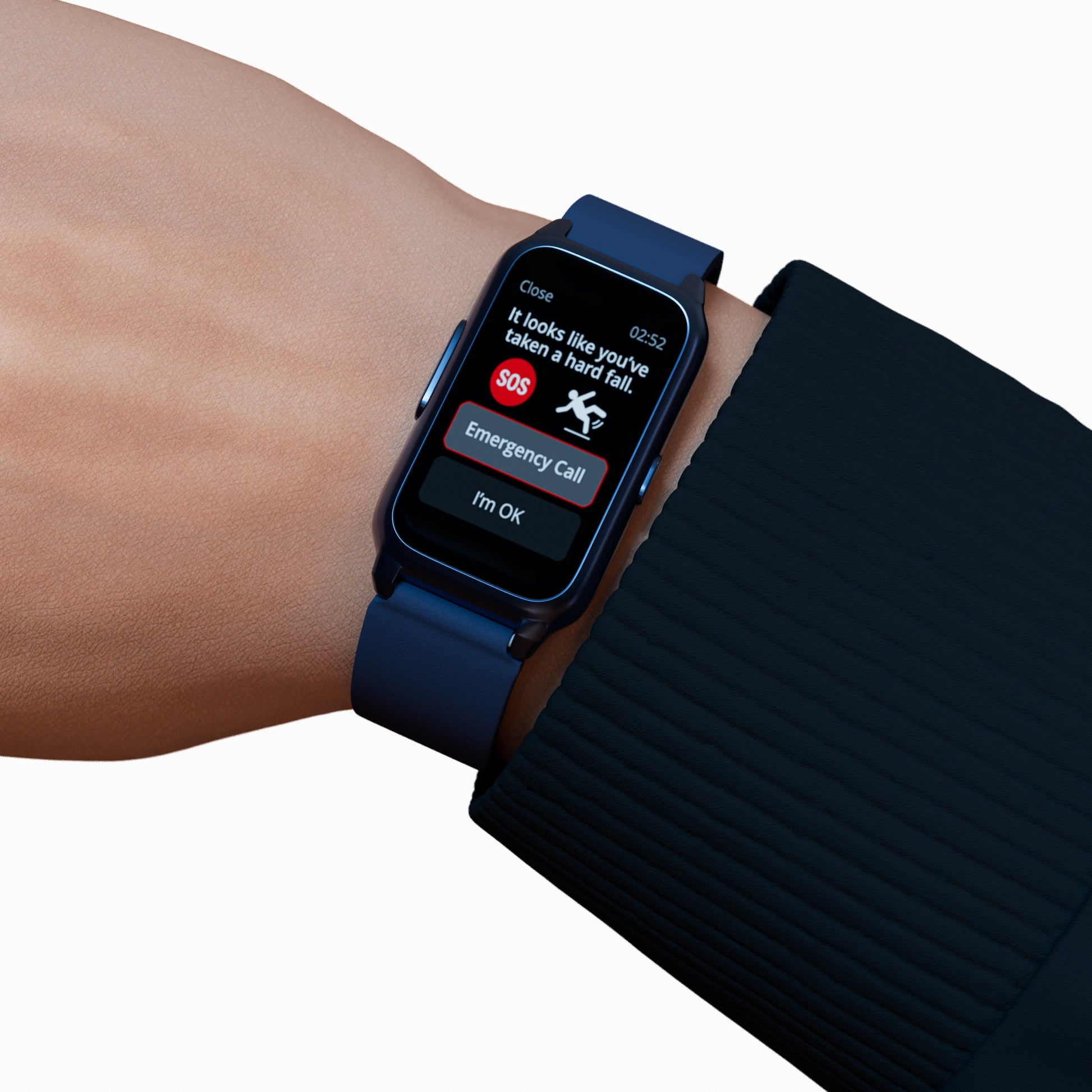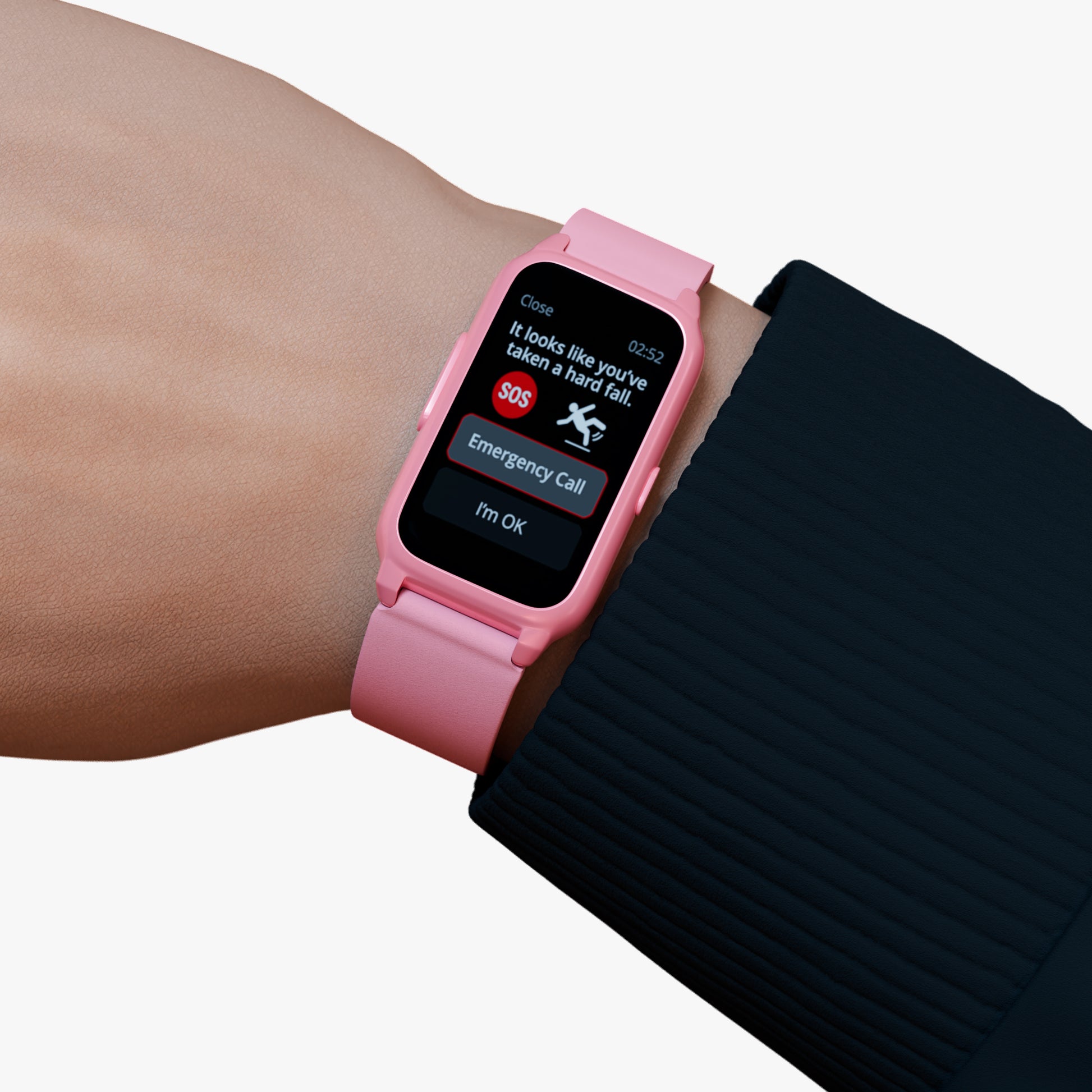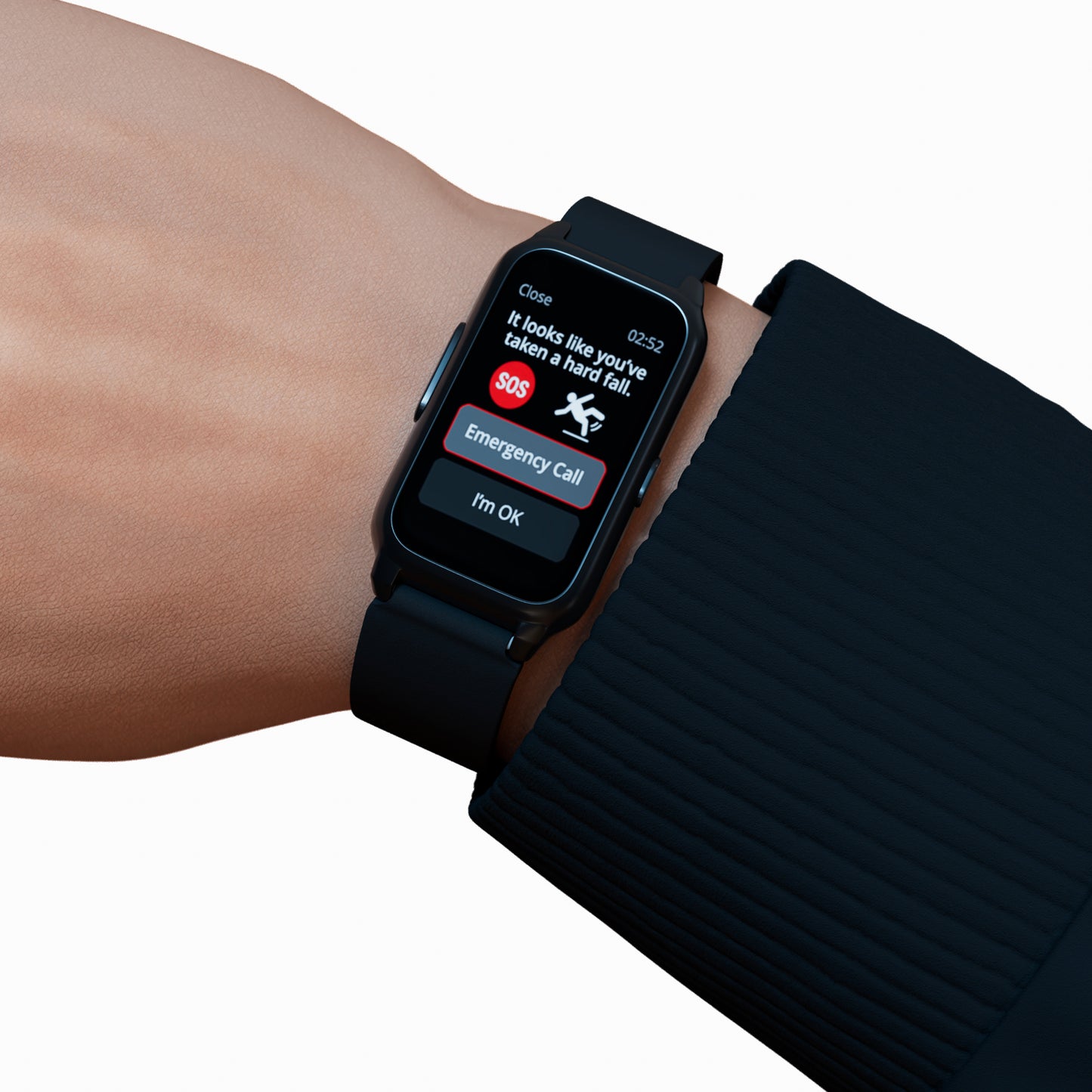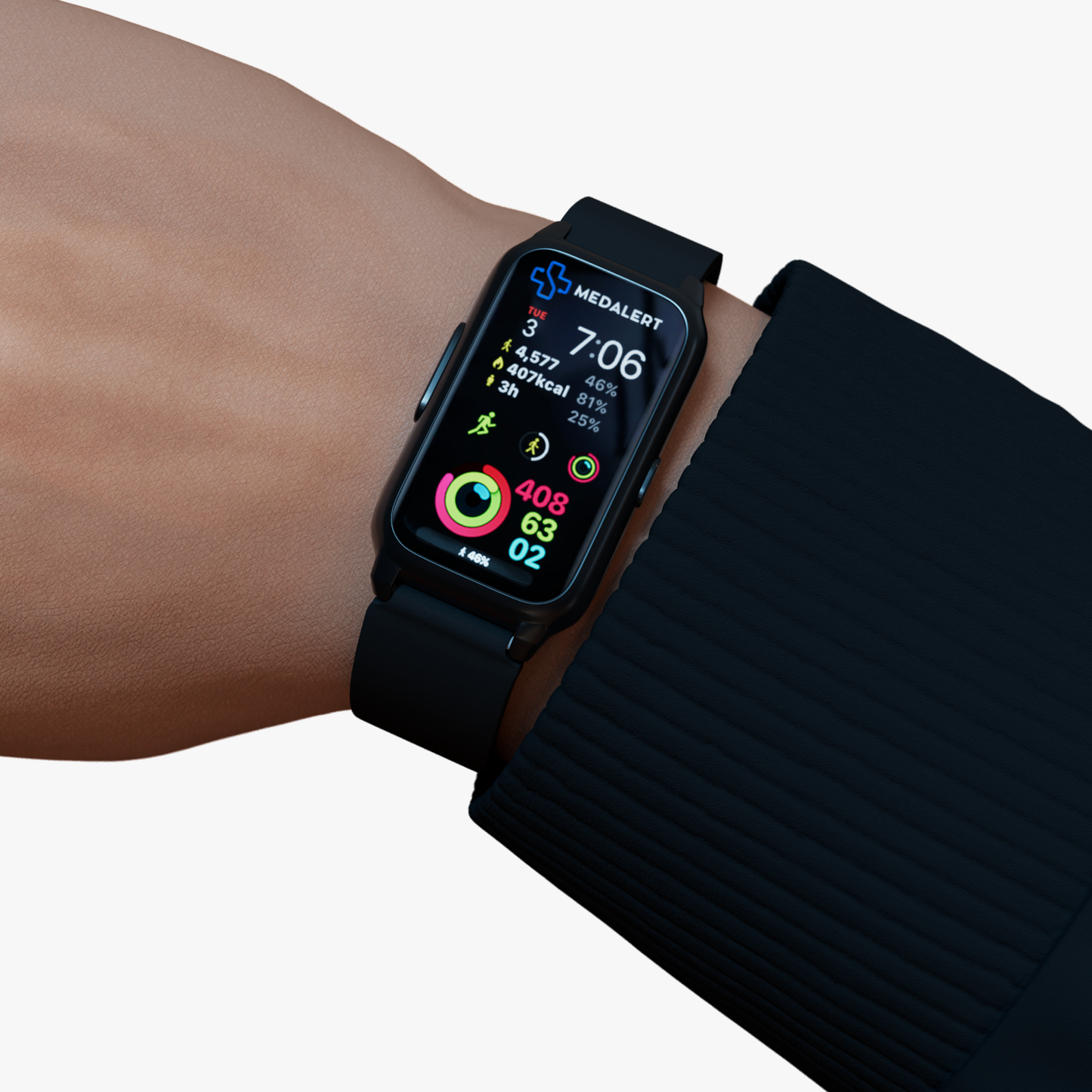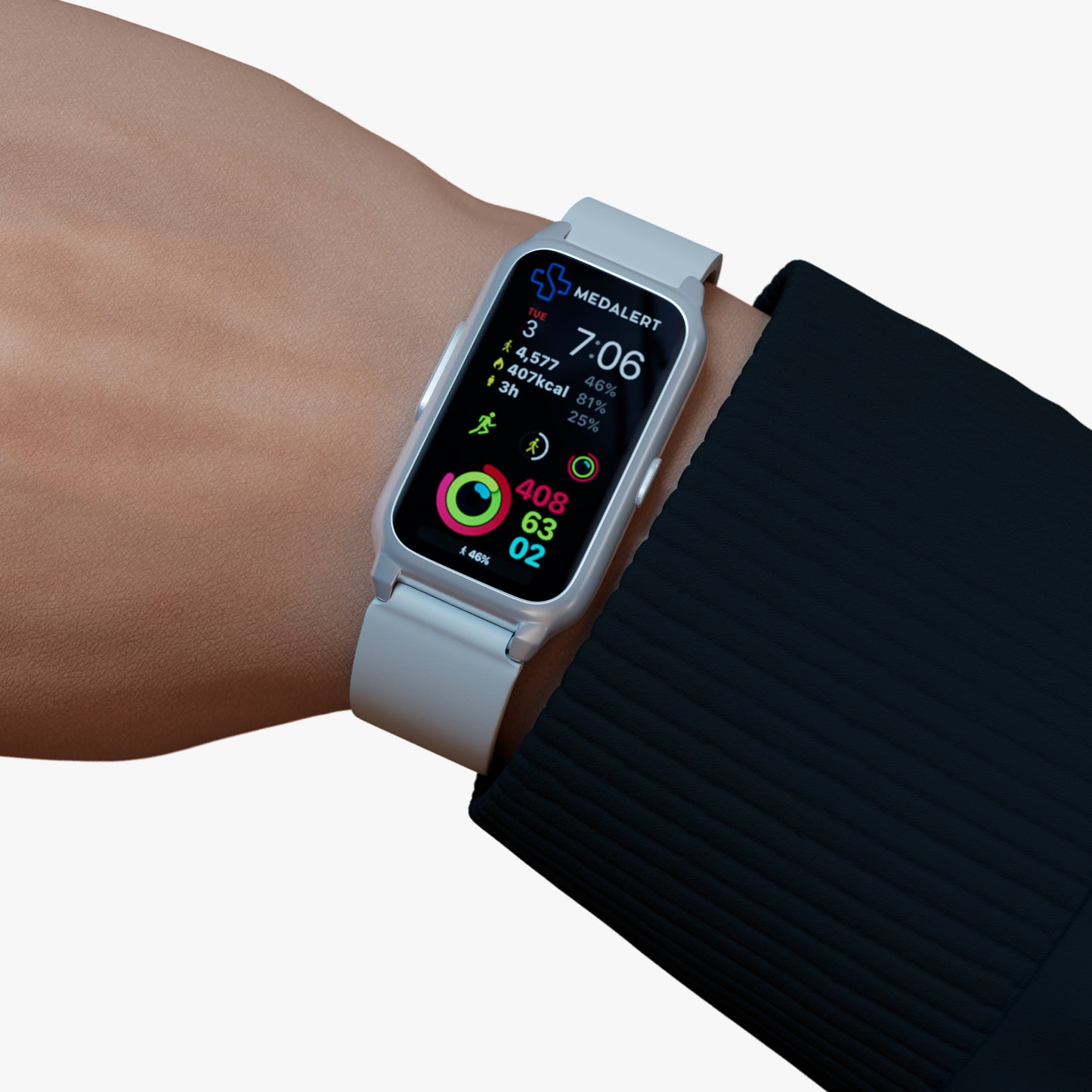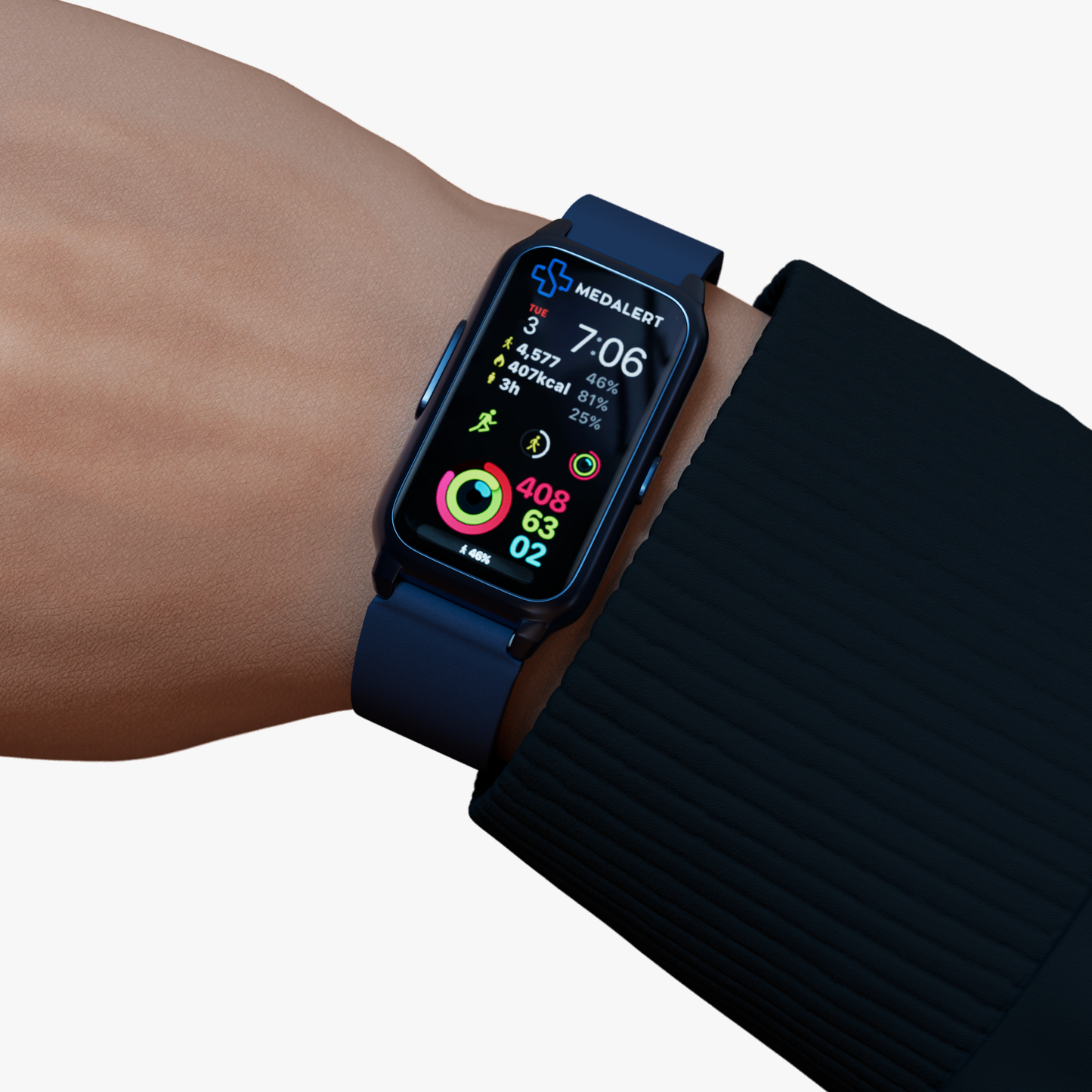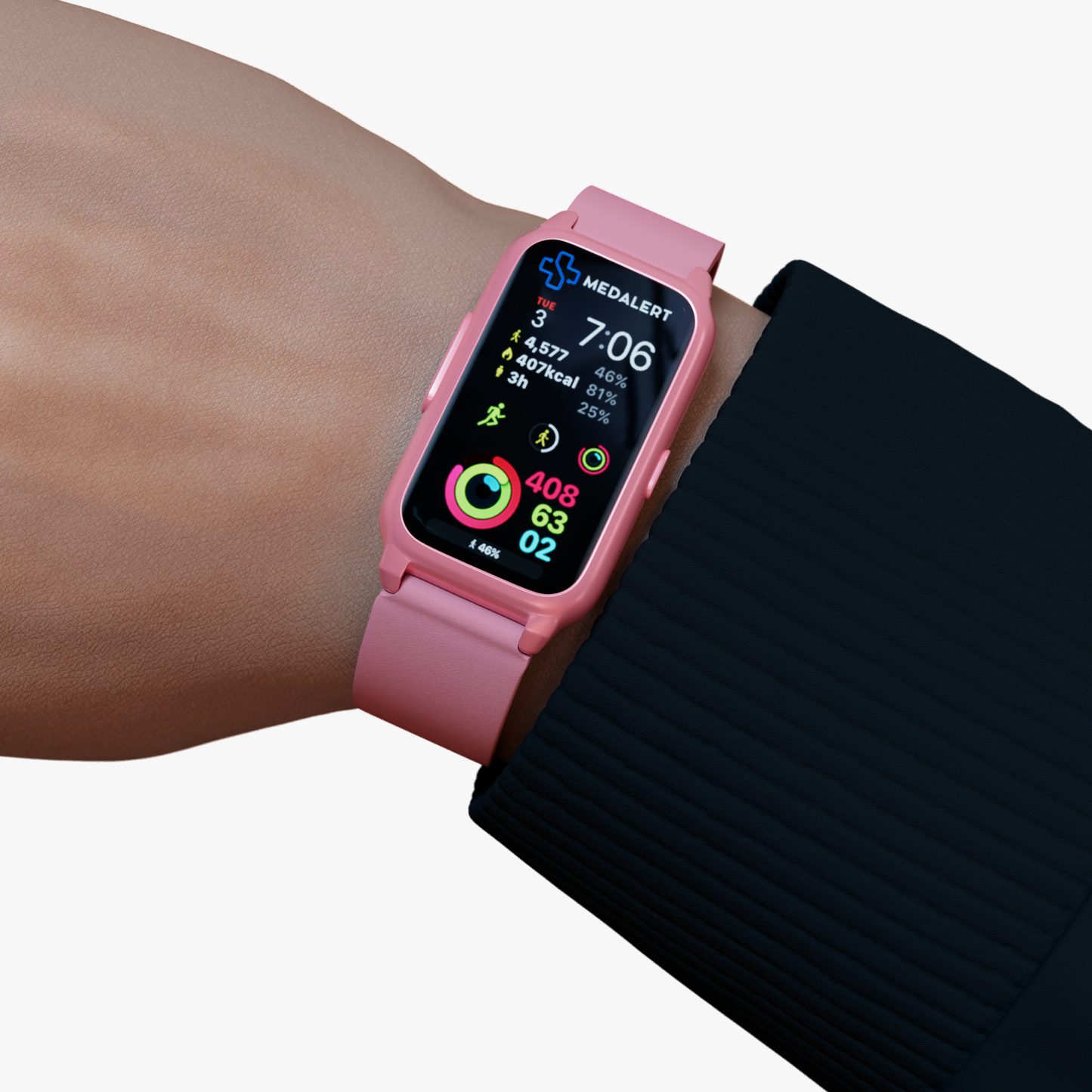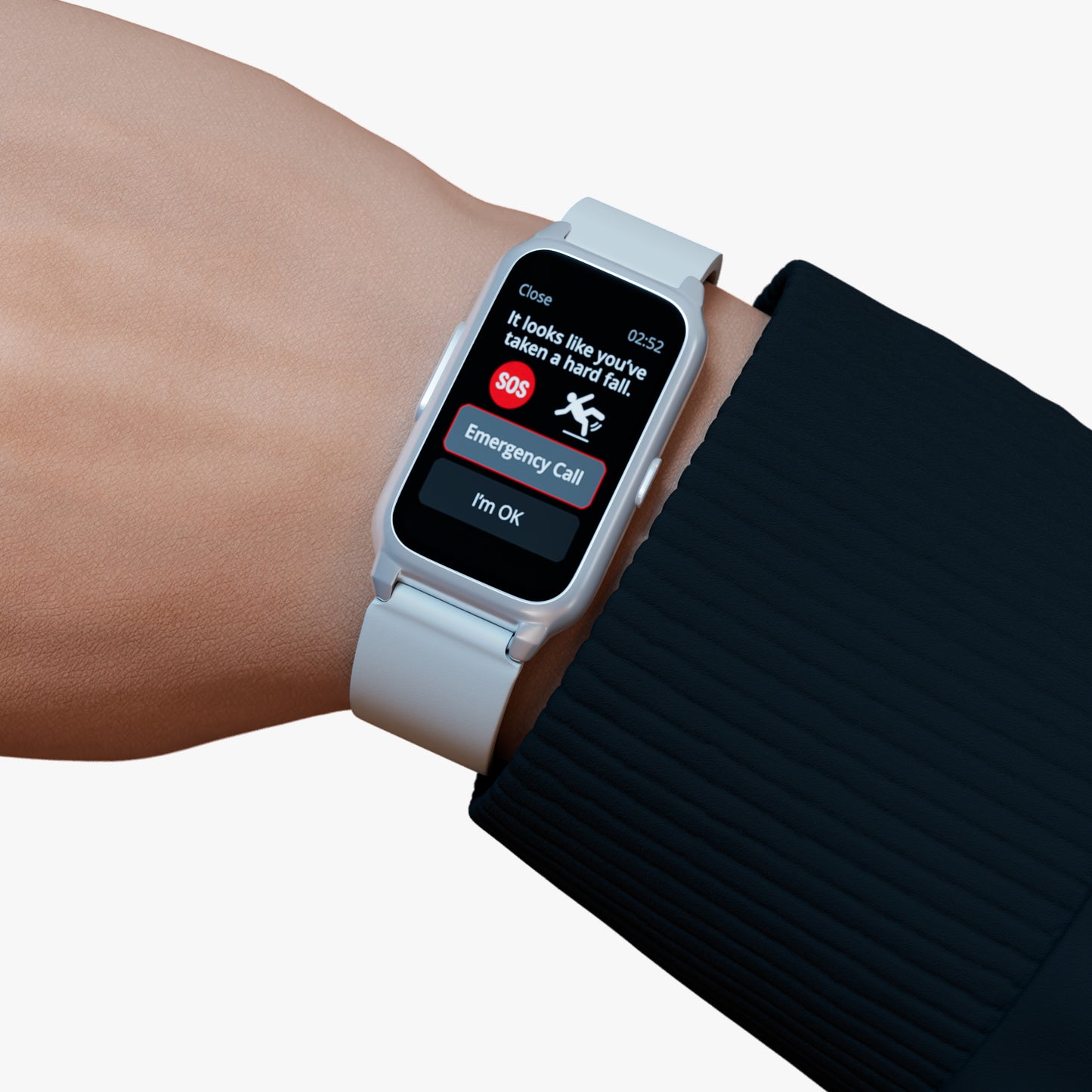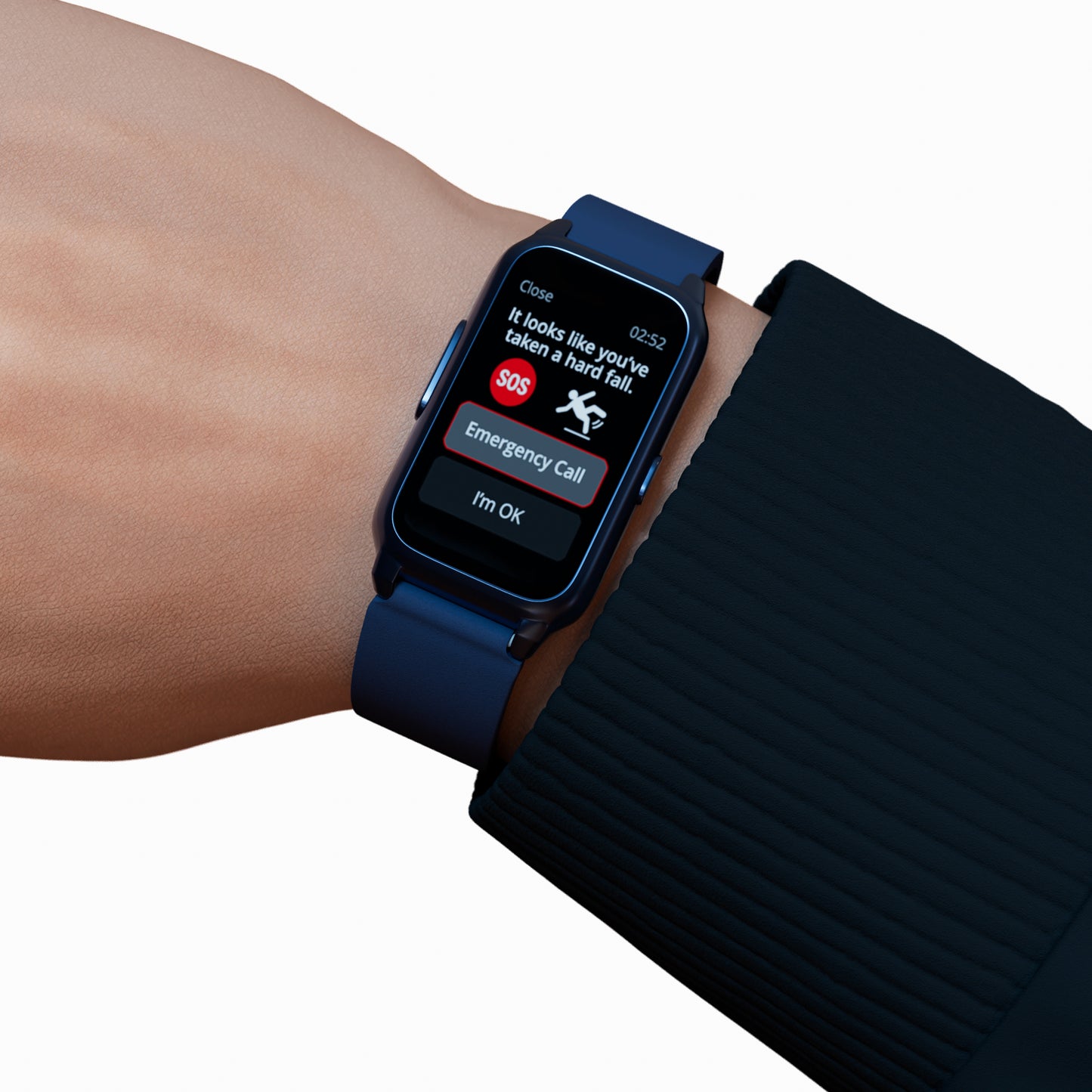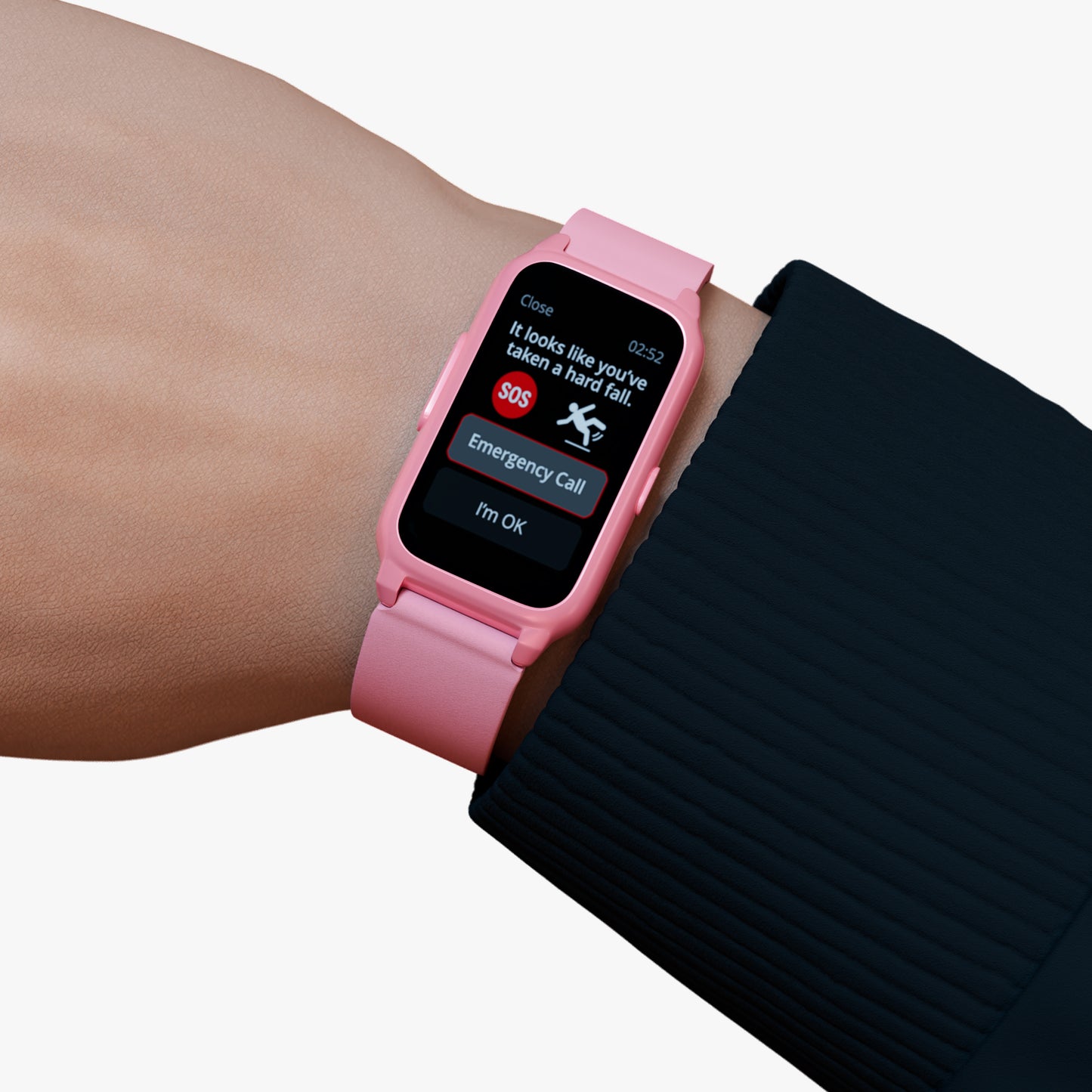

A fall detection smart watch can give caregivers another way to support an older adult's safety when they are not nearby. Understanding how this technology works can help caregivers decide whether it suits the person's daily routine.
Fall detection is one feature available in wearable safety devices. Depending on the device, other features can include SOS alerts, GPS positioning and two-way communication.
Understanding Fall Detection Technology
Fall detection technology is designed to recognise a possible fall and trigger an alert through a supported device. This can provide another way to request assistance when an older adult may not be able to manually activate an emergency alert.
For caregivers, the purpose is not to replace regular care. Instead, fall detection can become part of a wider safety arrangement that allows an older adult to have access to help while continuing with everyday activities.
A wearable device can also make safety features easier to keep close at hand. For someone who is comfortable wearing a watch, a medical alert watch can combine wearable access with features designed to support communication and emergency alerts.
How a Fall Detection Smart Watch Can Help
A fall detection smart watch can provide both automatic and manual ways to raise an alert, depending on the device.
MedAlert's fall detection watch is designed to detect a fall and automatically send an alert to selected phone numbers. It also has an emergency alert button that allows the wearer to manually request help. Two-way communication is another supported feature, allowing communication through the watch.
For caregivers, having more than one way to request help can be useful. An automatic alert may be relevant when the wearer cannot reach the emergency button, while the manual SOS function can be used when the wearer knows they need assistance.
Automatic Alerts After a Fall
The main purpose of fall detection is to provide an automatic alert when the device detects a supported fall.
This can be particularly relevant for older adults who spend some time alone. If a caregiver is not physically present, an automatic alert can provide another way for them to become aware that something may have happened.
However, caregivers should understand that fall detection is one part of the device's safety features. The wearer should also know how to use the manual SOS function.
Manual SOS Support
An SOS function gives the wearer a direct way to request help.
This is important because not every situation will involve a fall. An older adult may feel unwell, need assistance or experience another situation where they want to contact someone.
Teaching the wearer how to use the SOS function can therefore be just as important as explaining the automatic fall detection feature.
What Caregivers Should Look for in a Wearable Device
When choosing a wearable device, caregivers should look beyond the fall detection feature alone. The other available functions may also be relevant to the older adult's routine.
MedAlert devices can offer features such as fall detection, SOS alerts, GPS positioning and two-way communication, depending on the model. Some devices also include additional functions such as activity tracking, heart rate monitoring, geofence notifications and reminder alarms.
The right combination depends on the device and the needs of the person who will use it.
GPS Positioning
GPS positioning can provide location information through supported MedAlert devices.
This can be useful when an older adult is away from home and an alert is triggered. Instead of looking only at whether a fall was detected, caregivers can also consider whether location information is useful for the person's normal routine.
GPS and fall detection serve different purposes. One can provide location information, while the other is designed to identify a possible fall and trigger an alert.
Two-Way Communication
Two-way communication can allow the wearer to communicate through the device.
This can be useful after an alert because the wearer may be able to explain what happened or communicate with a caregiver. It can also give the caregiver more information about the situation.
Before using the device, both the caregiver and wearer should understand how this communication feature works.
Choosing a Smart Watch With Fall Detection
A smart watch with fall detection should be suitable for the person who will actually wear it. A device can have useful features, but those features are only helpful if the wearer is comfortable using the device.
Start by considering the older adult's normal routine. Think about whether they spend time alone, leave the house regularly or already use a watch as part of their daily routine.
A watch-style device can be a practical option for someone who prefers having safety features available on the wrist.
Consider Comfort and Everyday Use
Comfort should be part of the decision. If the wearer dislikes the device or finds it difficult to use, they may be less likely to keep it available.
Caregivers can involve the older adult in the decision. Explain why the device is being considered and focus on the features that could be useful to them.
The aim is to support the person's routine rather than make them feel that their independence is being taken away.
Think About the Features They Actually Need
Not every available feature will be equally important for every person.
One older adult may value fall detection and SOS access most. Another may find GPS positioning and two-way communication more relevant because they regularly spend time outside the home.
Looking at the complete feature set can therefore help caregivers choose a device based on practical needs rather than simply choosing a product because it has one particular function.
Helping an Older Adult Get Comfortable With the Device
Introducing wearable technology can take some time, especially if the older adult does not regularly use smart devices.
Caregivers can make the process easier by starting with the basic functions. Explain how to activate an SOS alert, how communication works and what happens if the watch detects a possible fall.
There is no need to explain every feature at once. Once the wearer understands the main safety functions, other features can be introduced gradually.
Explain What Happens During an Alert
The wearer should understand what happens when they use the SOS button or when the device detects a possible fall.
The alert process depends on the device and service selected. Some MedAlert devices can send alerts to selected phone numbers, while an optional 24/7 Emergency Response Call Centre service can provide additional response support.
Knowing what to expect can help both the wearer and caregiver feel more comfortable with the technology.
Make the Device Part of the Routine
A wearable safety device works best when it is available during normal activities.
Caregivers can encourage the wearer to include the watch in their usual routine. They can also help the wearer understand basic charging and device requirements.
MedAlert's fall detection watch is designed as a wearable watch and includes a charging cradle. Following the device instructions can help the wearer use it correctly.
Understanding the Role of the Emergency Response Service
For some caregivers, having alerts sent to selected contacts may be enough. Others may want additional support through an emergency response service.
MedAlert offers an optional 24/7 Emergency Response Call Centre service. According to MedAlert, the service can respond to emergency events such as SOS activation or a fall detection alert and can contact emergency contacts or emergency services when appropriate.
This service is separate from the fall detection feature itself. Caregivers should therefore understand which service and alert process apply to the device they choose.
What Caregivers Should Know About Fall Detection Alerts
It is important to have realistic expectations about fall detection technology.
Fall detection is designed to provide an additional alert option. It should not be treated as a replacement for personal care, regular contact or appropriate supervision.
Caregivers should also understand that the device's available functions can vary between models. Checking the details of the specific device can help prevent confusion later.
Know Who Receives the Alert
Before the device is used, caregivers should understand where alerts are sent.
Depending on the MedAlert device and setup, fall detection and SOS alerts can be sent to selected contacts. The device may also support communication with those contacts.
If the 24/7 Emergency Response Call Centre service is selected, the alert can follow the response process associated with that service.
Knowing this process in advance means caregivers can respond more confidently if an alert is received.
Understand the Available Settings
Caregivers should also become familiar with the device's settings.
MedAlert provides information about its fall detection feature and supported device settings. Following the manufacturer's instructions can help ensure that the device is used as intended.
It is also useful to explain the settings to the wearer in simple language so they know what the device is doing.
How Fall Detection Fits Into Everyday Care
Fall detection should be considered as part of a wider approach to supporting an older adult.
Caregivers may already call regularly, visit the person, help with daily tasks or stay involved in important decisions. A wearable device can sit alongside these forms of support.
The technology provides an additional way to raise an alert without requiring the caregiver to be physically present at every moment.
This can be particularly relevant for older adults who want to continue their normal activities while their families still want an additional safety option.
When Should Caregivers Consider Fall Detection?
There is no single answer for every older adult.
The decision should be based on the person's routine, comfort with wearable technology and the level of support already available.
Caregivers may consider fall detection when an older adult spends time alone or when having an additional alert option would provide greater peace of mind.
The older adult should also understand the purpose of the device. Involving them in the decision can make it easier for the technology to become part of their normal routine.
Medical Alert Watches With Fall Detection for Different Needs
Different older adults can have very different lifestyles. Some may spend most of their time at home, while others may regularly visit family, go shopping or spend time outdoors.
This is why caregivers should look at the complete range of available features when comparing medical alert watches with fall detection.
A device with fall detection may also provide other functions that are relevant to the person's lifestyle. These can include GPS positioning, SOS alerts and two-way communication, depending on the selected model.
The goal is to find a device that fits the wearer instead of expecting the wearer to change their routine around the technology.
Creating a Simple Safety Routine
Once a device has been selected, caregivers can help the older adult build a simple routine around it.
The wearer should know where the SOS button is and understand when it should be used. They should also know that the watch can provide an automatic alert if its fall detection feature identifies a supported fall.
Caregivers can then make sure they understand the alert process on their side. This includes knowing which contact details are connected to the device and what action they should take if an alert is received.
A clear routine can make the technology easier for everyone to use.
Supporting Independence With Wearable Technology
Safety and independence do not have to be opposites.
An older adult may want to continue living according to their normal routine without having someone beside them all day. At the same time, caregivers may want an additional way to respond if something goes wrong.
A wearable device can help create a balance between these needs. Fall detection provides an automatic alert option, while SOS, GPS and communication features can provide additional support depending on the selected device.
The key is to choose technology that the wearer understands and feels comfortable using.
Making an Informed Choice
Choosing a fall detection device should involve more than looking at one feature.
Caregivers should consider how the device will fit into the person's daily life, how easy it is to use and which features are genuinely useful. They should also understand how alerts are handled and whether an emergency response service is needed.
MedAlert provides wearable safety devices designed to support seniors through features such as fall detection, SOS alerts, GPS positioning and two-way communication.
A thoughtful choice can make the device feel like a practical part of the person's routine rather than an unwanted restriction.
If you need more information about MedAlert's devices, features or services, you can Contact us to discuss your requirements.
Frequently Asked Questions
1. What is a fall detection smart watch?
A fall detection smart watch is a wearable device designed to detect a possible fall and trigger an alert through its supported safety features.
2. How does a smart watch with fall detection work?
The watch uses its fall detection technology to identify a possible fall. When a supported fall is detected, the device can trigger an alert according to its setup.
3. Can a fall detection watch also have an SOS button?
Yes. MedAlert's fall detection watch includes an emergency alert button, allowing the wearer to manually request help when needed.
4. What other features can caregivers consider?
Depending on the MedAlert device, features can include fall detection, SOS alerts, GPS positioning and two-way communication. Other functions may also be available on selected models.
5. Does fall detection replace regular caregiving?
No. Fall detection is an additional safety feature. It can support an existing care routine but should not be treated as a replacement for appropriate personal care or regular contact.