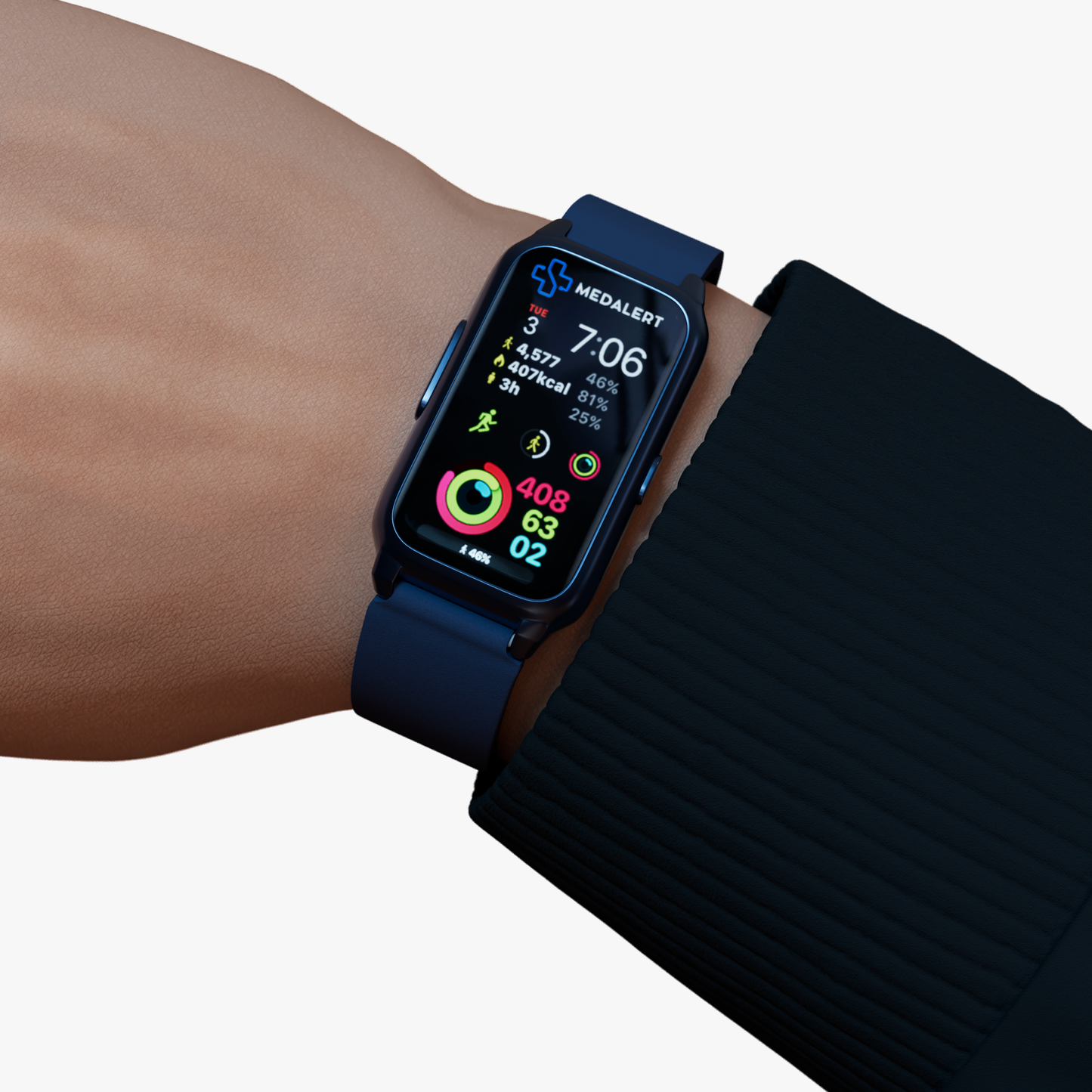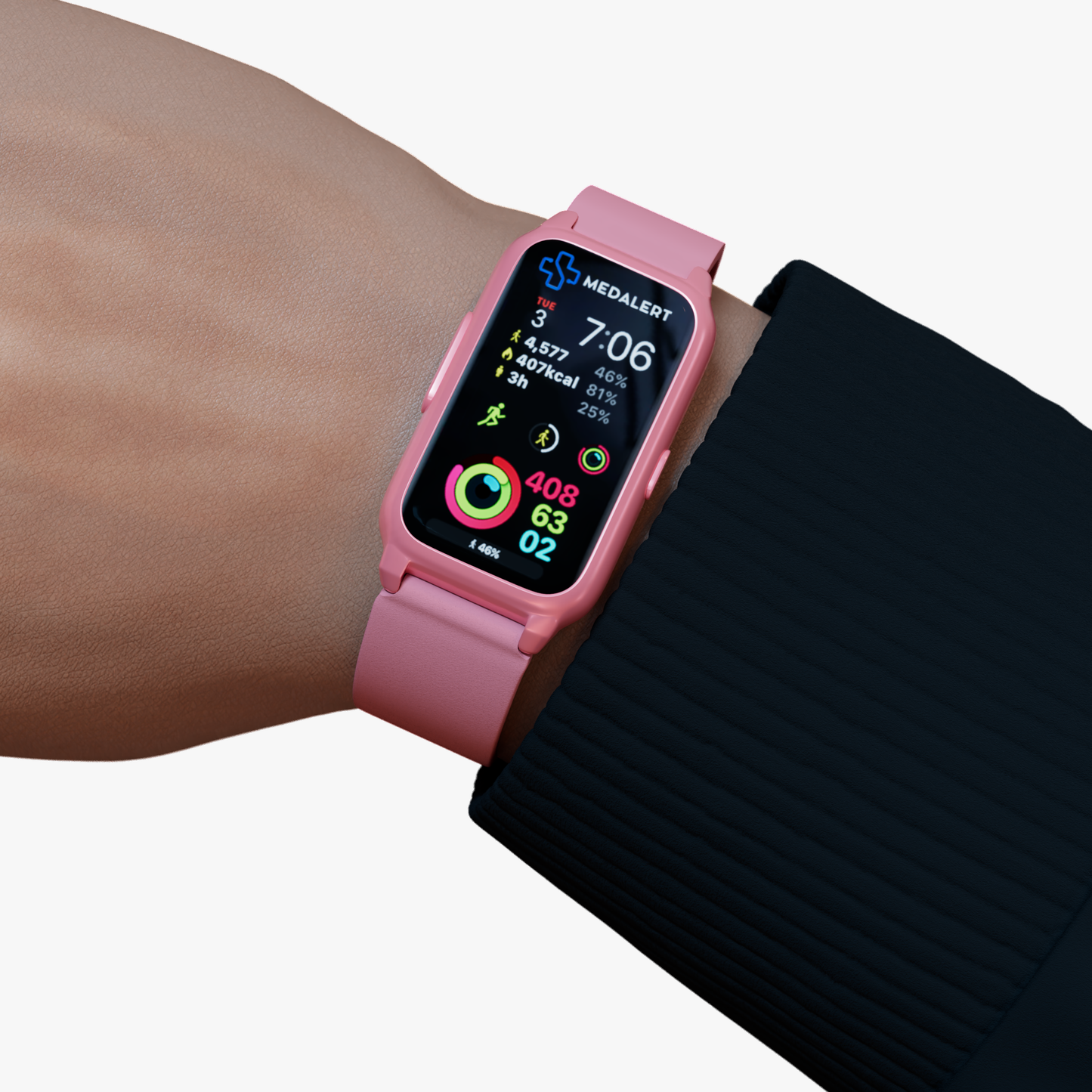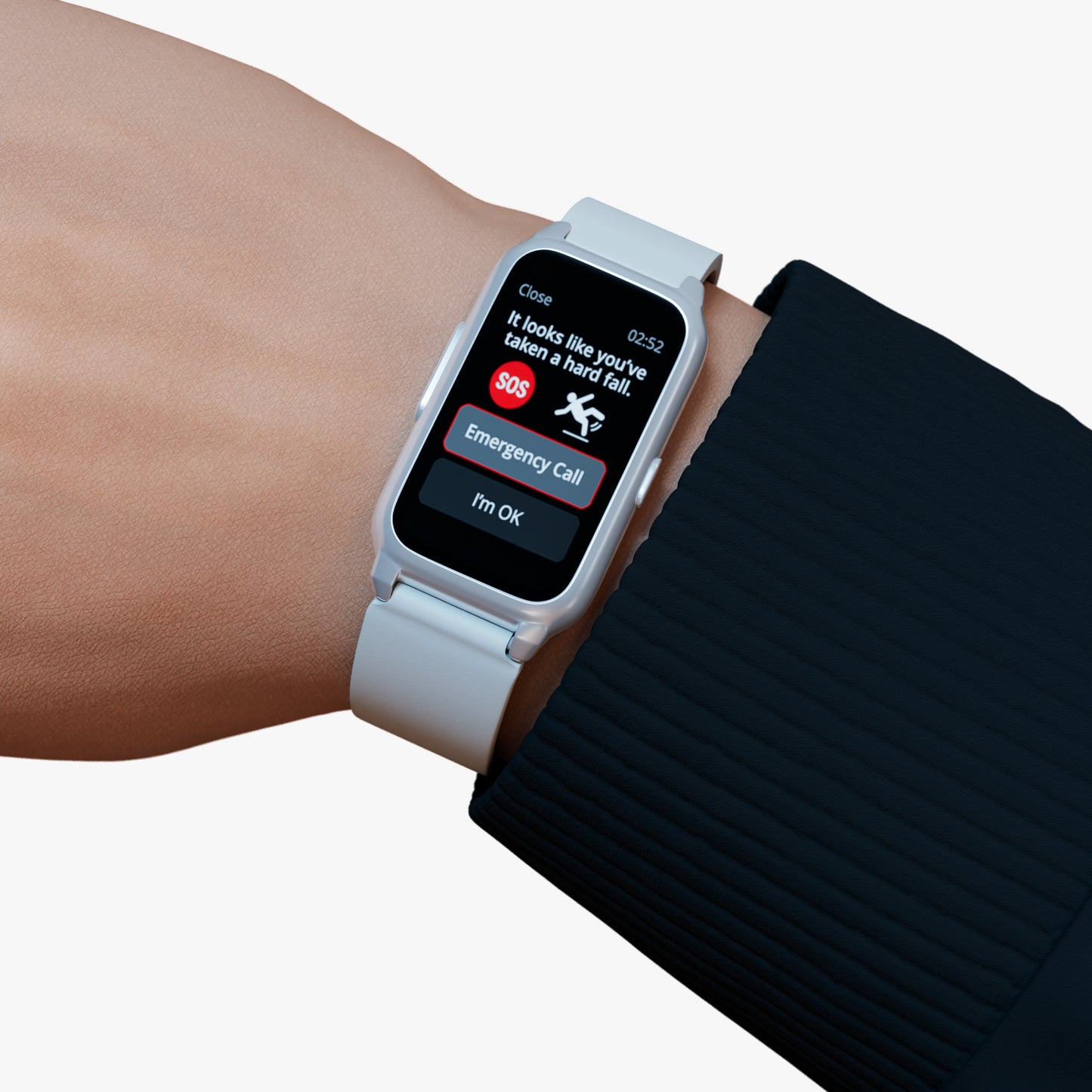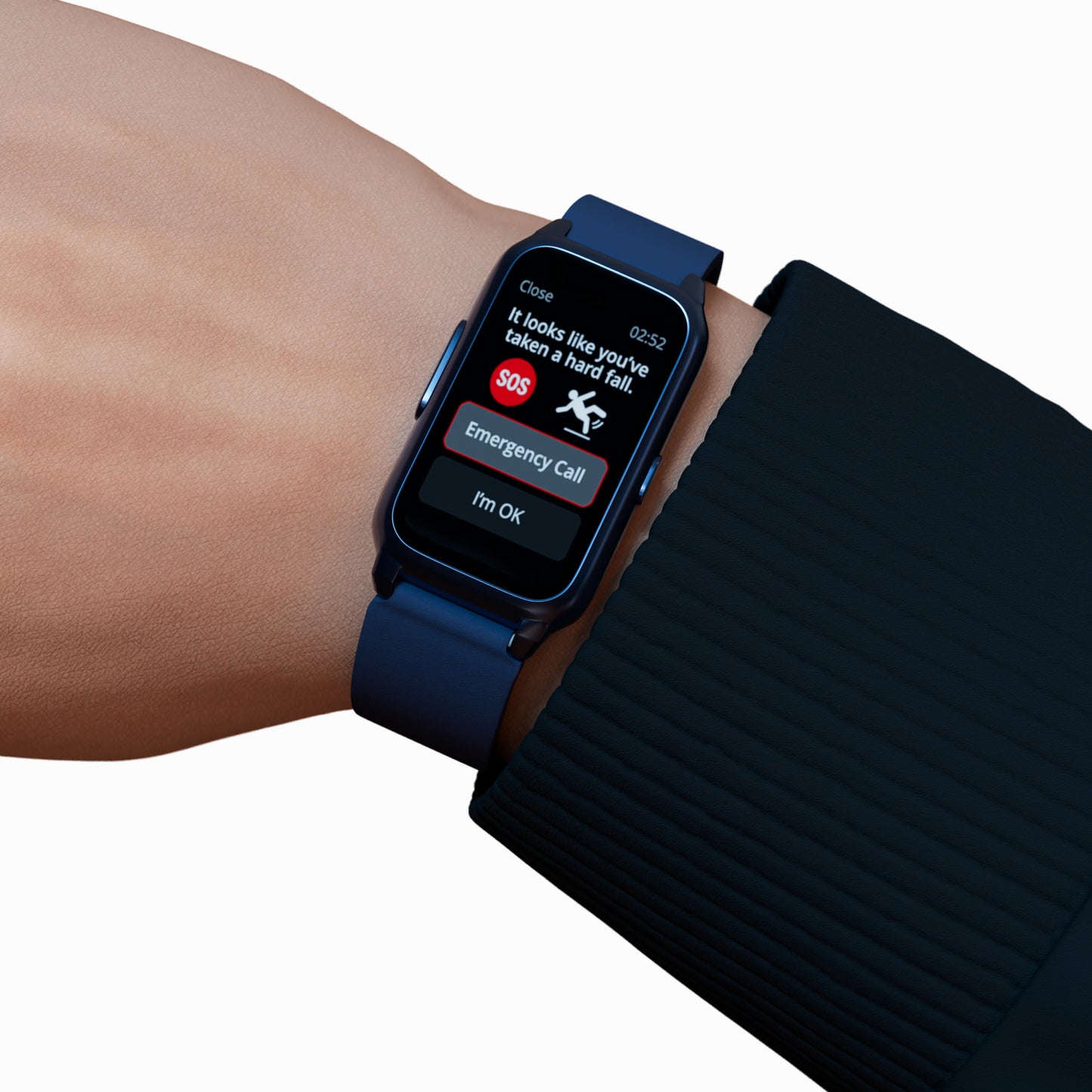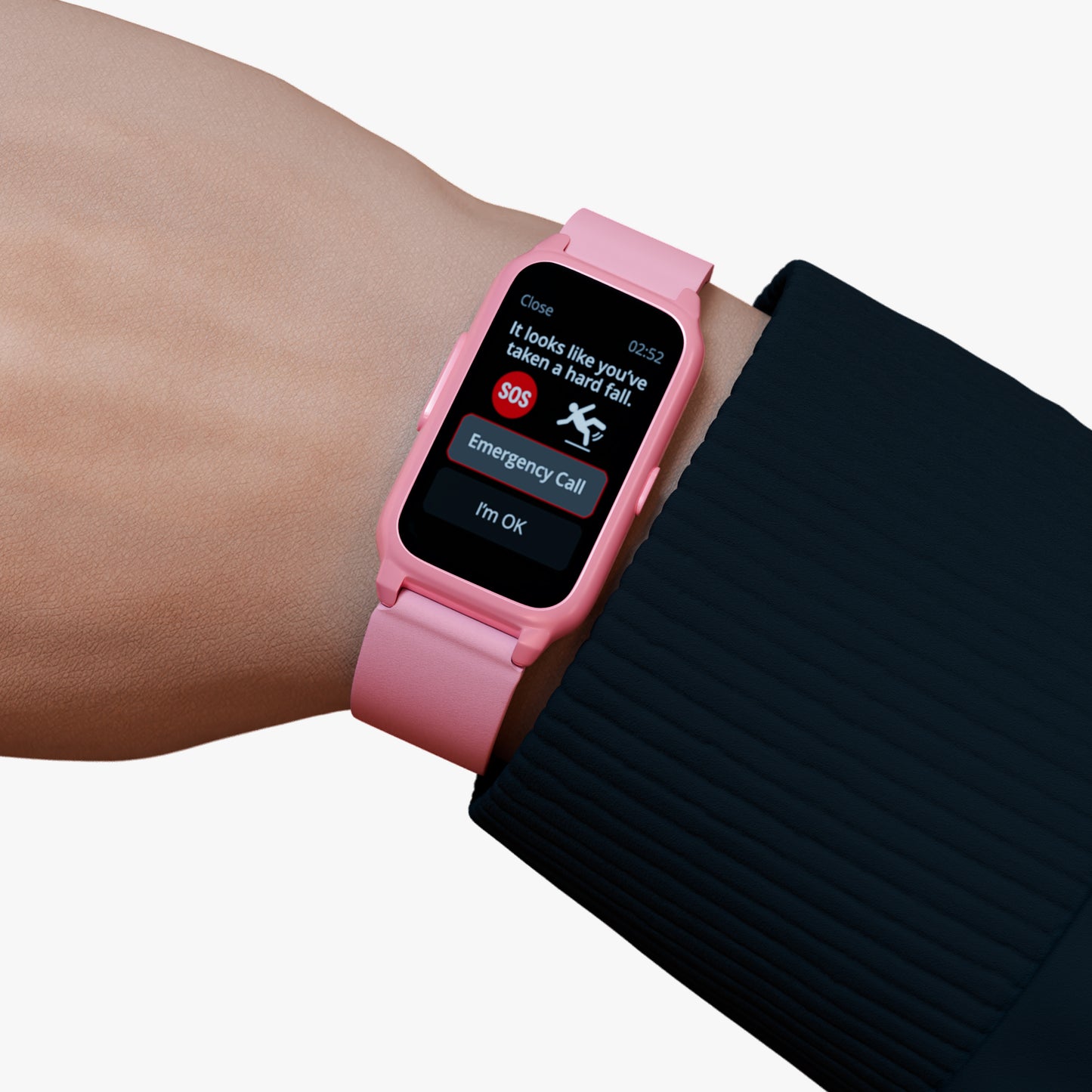

A fall sensor for elderly users can be an important part of a personal safety system, but many people still wonder what happens after a medical alert button is pressed. Whether you are researching medical alert devices for yourself or a family member, understanding the process can help you feel more confident about how these systems work.
Medical alert devices are designed to provide a simple way to seek assistance during situations where help may be needed. The process is intentionally straightforward, allowing users to quickly activate the system without navigating complicated technology. Knowing what happens behind the scenes can provide clarity and help users better understand the role these devices play in supporting independent living.
In this guide, we will walk through the medical alert workflow step by step and explain how the emergency response system process works after a button is activated.
What Is a Medical Alert Button?
A medical alert button is a feature found on personal safety devices designed to help users initiate communication when assistance may be required. The button is typically easy to access and designed for simplicity, making it practical for everyday use.
Medical alert systems are often used by seniors who live independently, individuals with mobility concerns, or anyone who wants an additional layer of safety. Instead of searching for a phone during a stressful situation, users can activate the device through a single action.
Many people researching medical alert devices australia options are looking for solutions that help maintain independence while providing a reliable way to seek assistance when needed. The button serves as the starting point for that process.
Step 1: The Alert Is Activated
The first stage of the medical alert workflow begins when the user presses the button on the device.
This action sends a signal through the system and initiates the response process. The purpose of this step is simple: it communicates that the user may need assistance or support.
One of the reasons medical alert devices are widely used is their ease of operation. During an unexpected situation, users do not need to remember complex instructions or search through multiple menus. Instead, they can activate the system quickly and focus on the situation at hand.
This straightforward design helps ensure that the device remains accessible and practical during everyday use.
Step 2: The System Begins the Response Process
Once the alert has been activated, the device moves into the next stage of the emergency response system process.
At this point, the system begins establishing communication. The exact technology may vary depending on the device, but the purpose remains the same: to create a connection that allows the user's situation to be assessed.
This step is important because it bridges the gap between the initial alert and the next stage of assistance. Rather than relying solely on the user to make a phone call, the device is designed to support communication through a dedicated process.
The goal is to make it easier for users to seek help during situations where reaching a traditional phone may not be practical.
Step 3: Communication Is Established
After the alert is received, communication becomes a key part of the process.
The ability to communicate helps determine what type of assistance may be required. Users can explain their situation, describe what happened, or indicate whether they require immediate help.
This stage of the medical alert workflow is designed to provide clarity. Not every alert involves the same circumstances, which is why communication is an important component of the overall process.
Having a direct way to communicate can also help reduce uncertainty during stressful situations. Rather than trying to independently manage the situation, users have a pathway to explain their needs and receive appropriate guidance.
Step 4: The Situation Is Assessed
Once communication has been established, the next step involves understanding the user's circumstances.
Different situations may require different types of responses. For example, someone may need assistance after feeling unwell, while another person may require help following an unexpected incident.
The purpose of this stage is to gather enough information to determine the most appropriate next step. This assessment helps ensure that the response aligns with the user's situation rather than relying on assumptions.
By following a structured process, medical alert systems help create a more organised approach to emergency communication.
How Alert Monitoring Centers Fit Into the Process
Alert monitoring centers play an important role within many medical alert systems. They form part of the communication pathway that supports users after an alert has been activated.
When discussing the emergency response system process, many people focus only on the device itself. However, understanding the broader support structure helps explain how the system functions as a whole.
The role of alert monitoring centers is to help manage communication after an alert is triggered. This helps create a structured process rather than leaving users to navigate the situation on their own.
For individuals seeking clarity about medical alert systems, understanding this role can provide additional confidence in how the overall workflow operates.
Where a Fall Sensor for Elderly Users Fits Into the Process
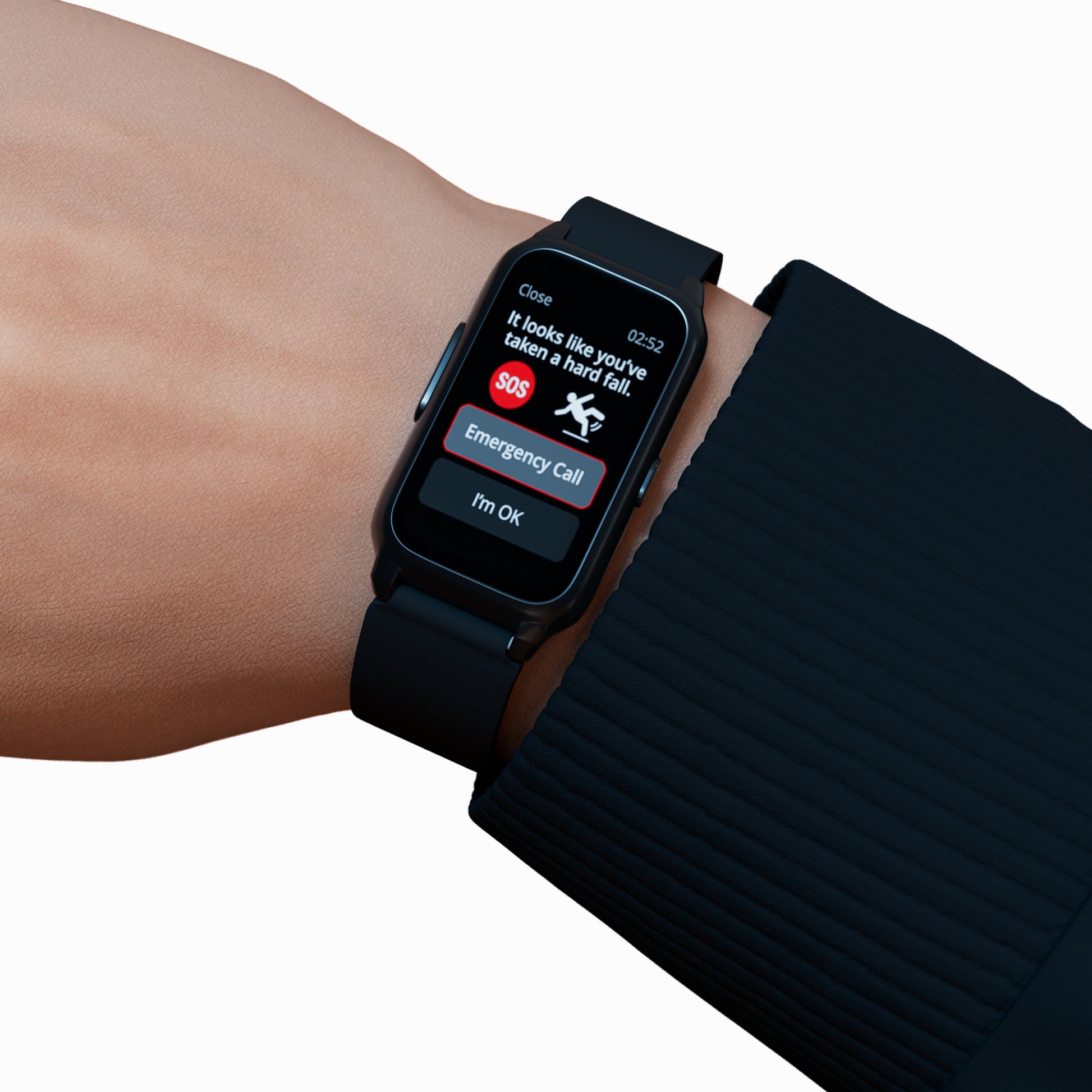
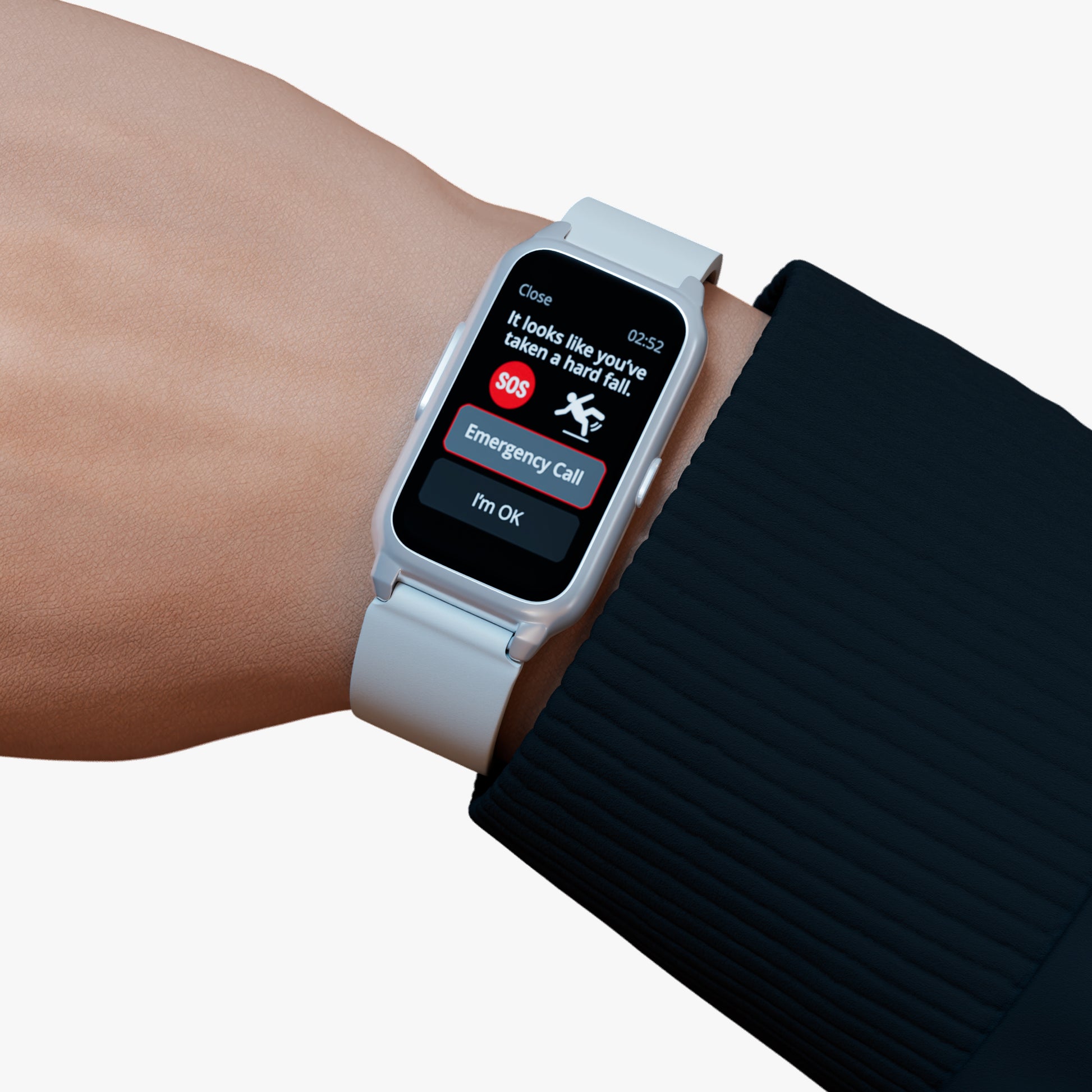
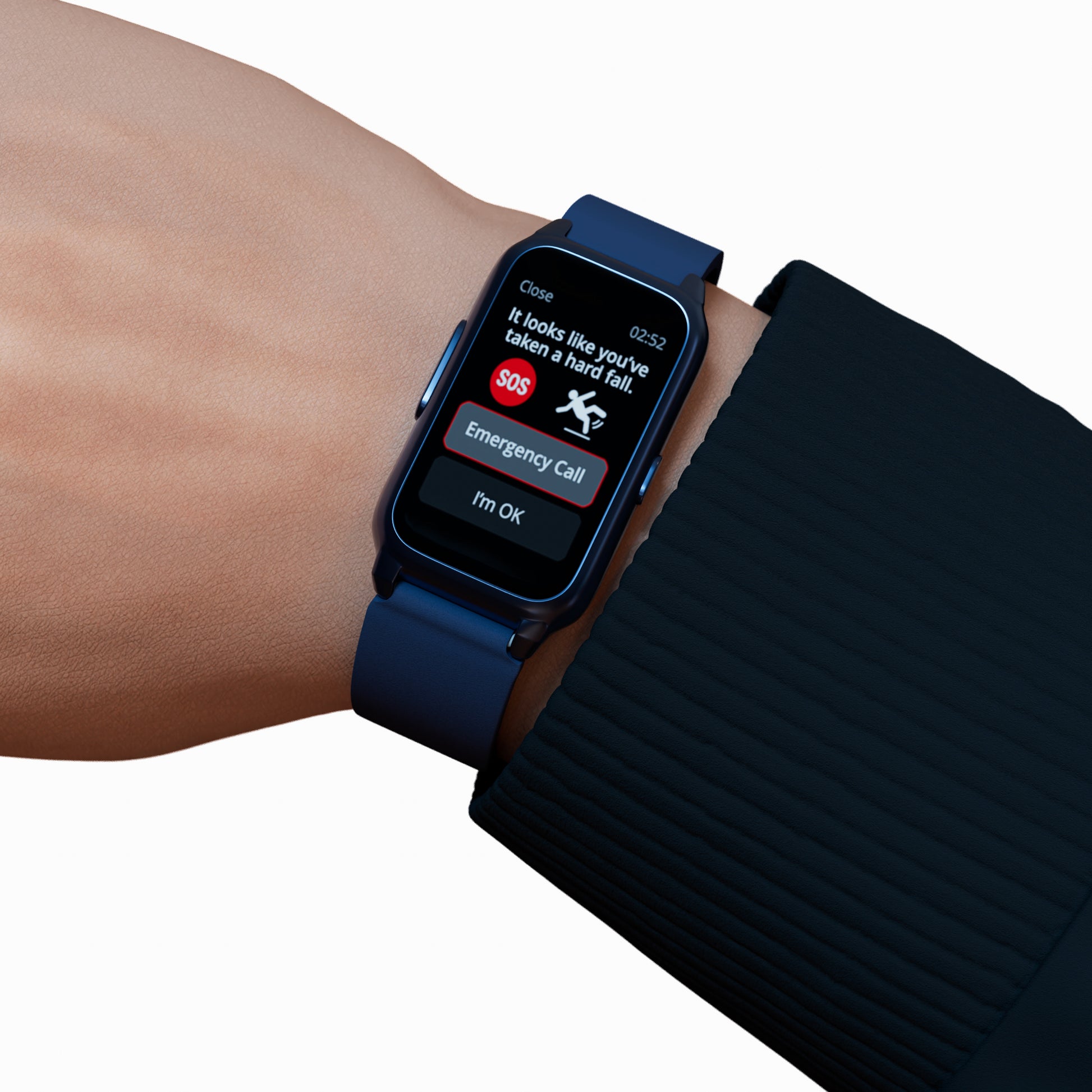
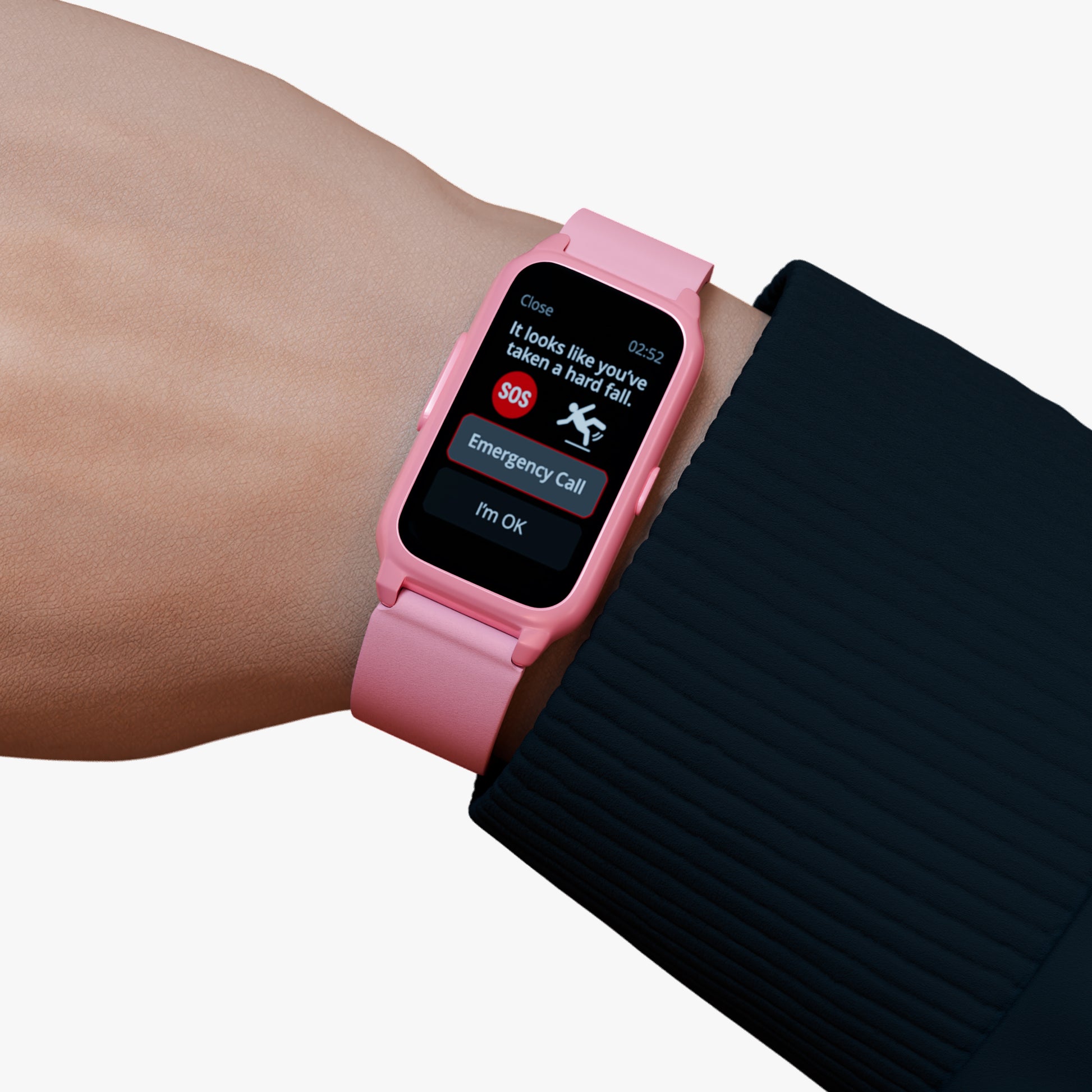
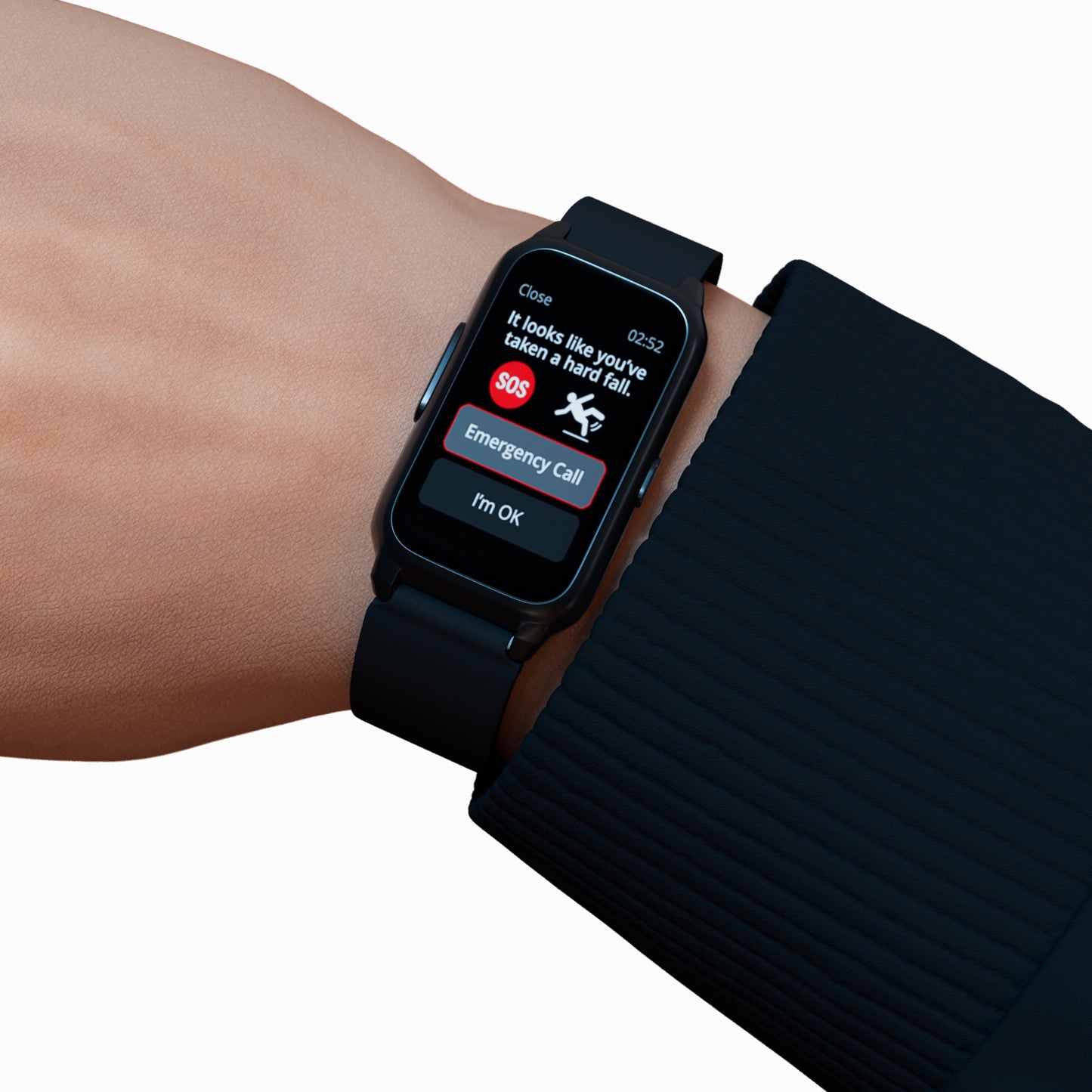
A fall sensor for elderly users is designed to complement the medical alert process by supporting situations where a fall may occur unexpectedly.
While the medical alert button requires manual activation, fall detection technology is intended to address circumstances where activating the button may be difficult. This is why many people view fall detection as an additional safety feature rather than a replacement for a personal alarm.
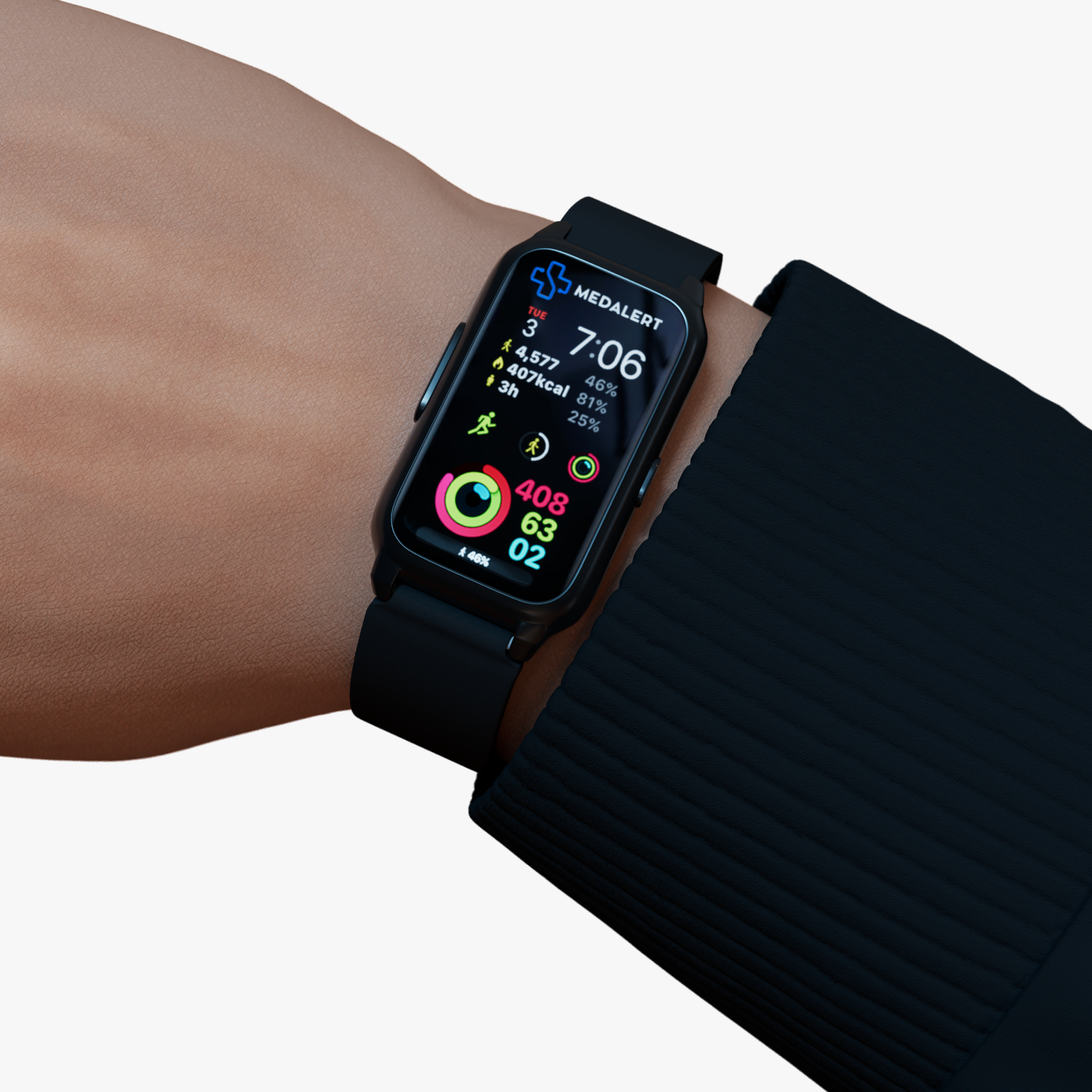
For example, someone exploring a fall detection watch may be interested in how fall detection works alongside traditional alert functionality. Both features contribute to a broader approach to personal safety.
By combining different safety features, users can create a support system that aligns with their individual needs and daily routines.
Understanding SOS Response Time
When researching medical alert systems, many people encounter the term SOS response time. While response times can vary based on circumstances, the concept generally refers to the period between activating an alert and beginning the response process.
Understanding SOS response time helps users appreciate the importance of reliable communication systems. The purpose of a medical alert device is not simply to send a signal but to initiate a process that supports communication and assistance.
Rather than focusing on specific timing claims, it is more useful to understand how each stage contributes to the overall response journey. Every step, from activation to communication, plays a role in helping the system function effectively.
GPS Technology and Emergency Communication
Location information can be an important part of emergency communication, particularly for individuals who spend time outside the home.
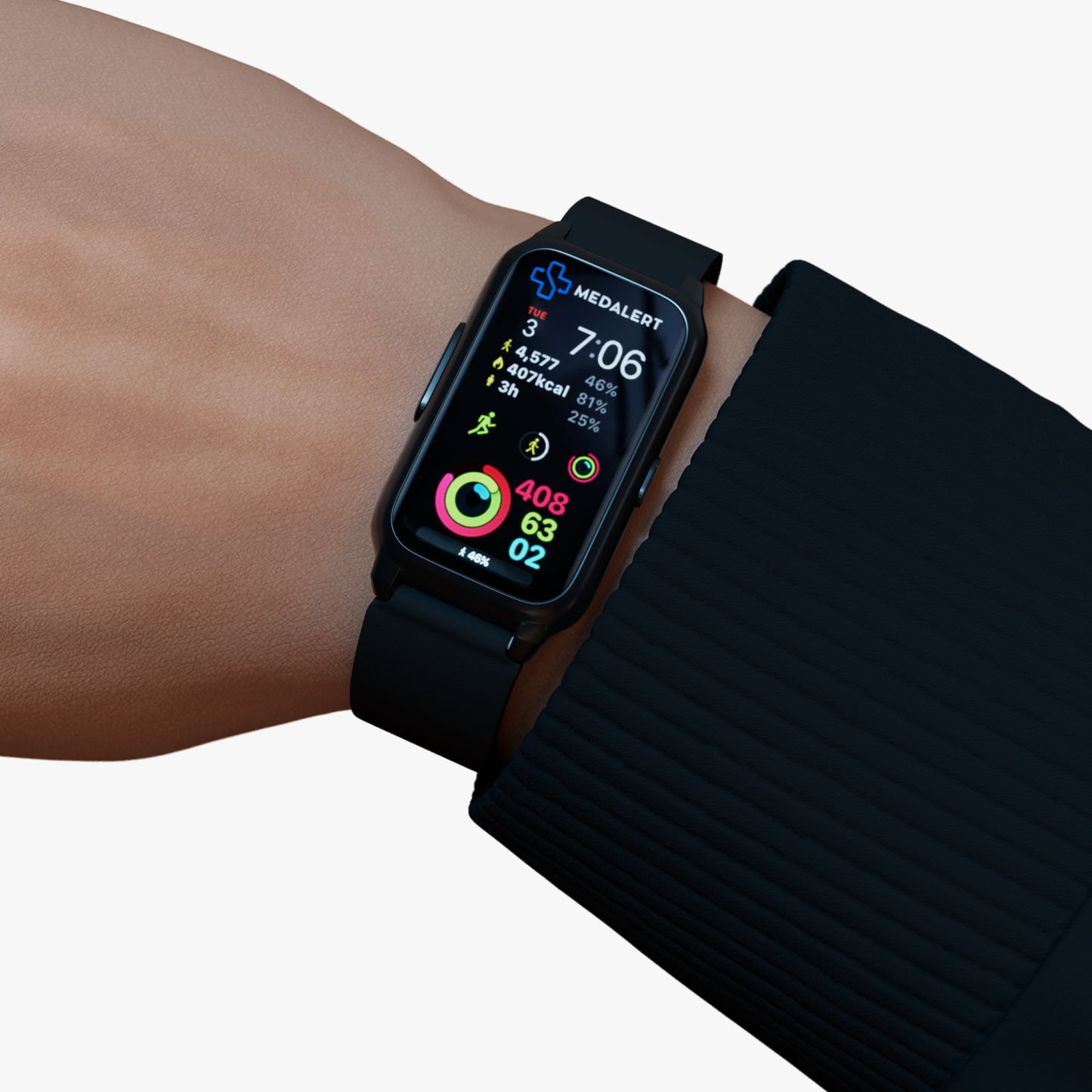
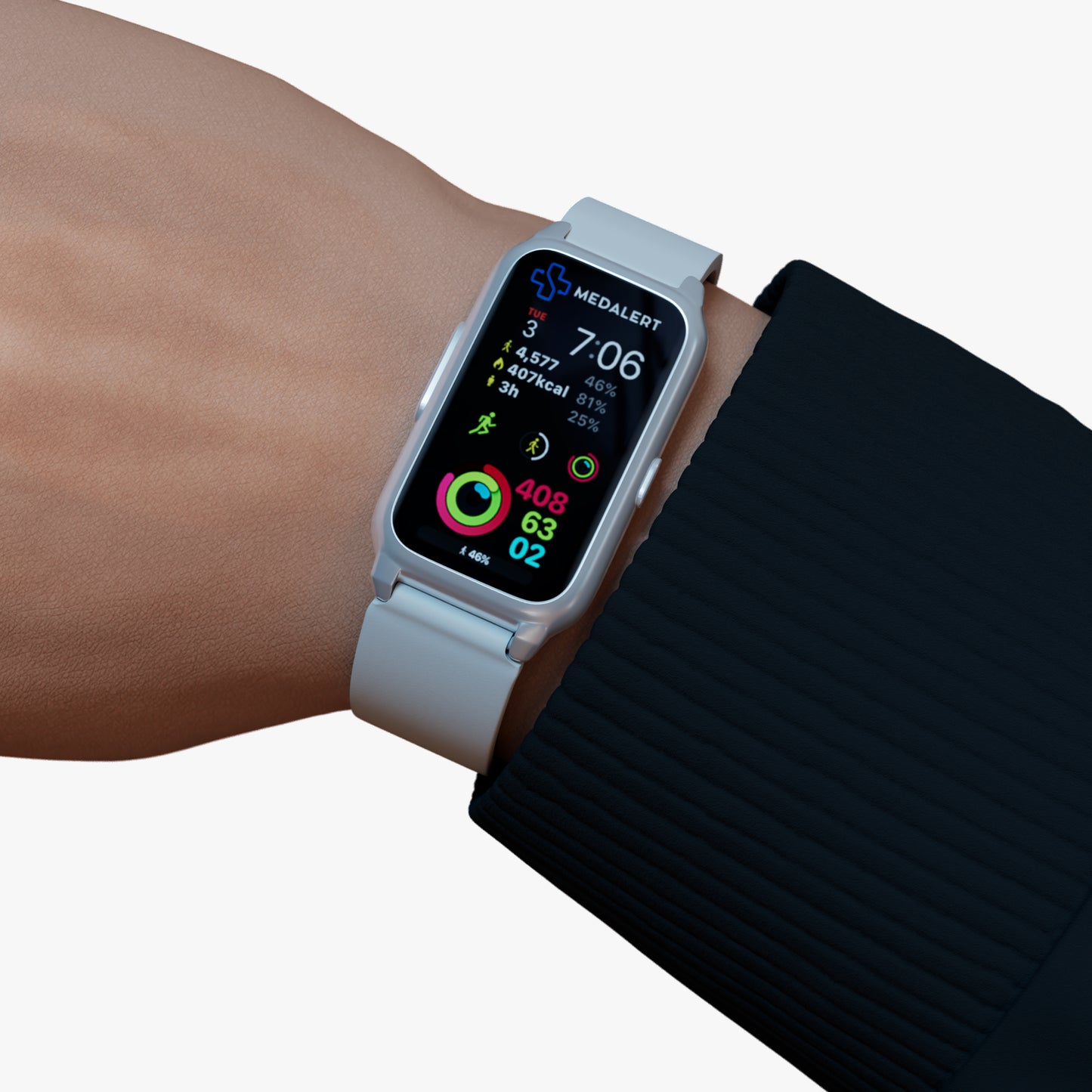
For this reason, some users explore solutions such as a medalert gps alarm when considering personal safety options. GPS-enabled devices can support communication by helping provide location-related information when appropriate.
As with other safety features, GPS technology works as part of a broader system. Its role is to support communication and improve awareness during situations where assistance may be needed.
Understanding how different features work together can help users make more informed decisions about personal safety technology.
Choosing the Right Medical Alert Solution
Selecting a medical alert device involves more than comparing features. It is also important to consider ease of use, comfort, and suitability for everyday life.
The most effective solution is often one that fits naturally into a person's routine. A device that is simple to operate is more likely to be used consistently, helping ensure that support remains accessible when needed.
When evaluating different options, understanding the medical alert workflow can be just as valuable as understanding individual features. Knowing what happens after the button is pressed helps users make more informed decisions about their safety needs.
If you have questions about available solutions or would like additional information, you can visit the Contact us page to learn more.
Conclusion
Understanding what happens when you press a medical alert button can help remove uncertainty and build confidence in the system. From the moment the alert is activated, the medical alert workflow follows a structured process designed to support communication and assistance.
Whether a user relies on a personal alarm, GPS-enabled device, or a fall sensor for elderly safety solution, the goal remains the same: to provide a simple and reliable way to seek help when needed. By understanding each step of the process, individuals and families can make more informed decisions about personal safety and independent living.
FAQs
What happens immediately after a medical alert button is pressed?
The device initiates the response process and begins establishing communication. This helps connect the user with the next stage of assistance based on their situation.
What is the purpose of alert monitoring centers?
Alert monitoring centers help manage communication after an alert is activated. Their role is to support the emergency response system process and help ensure the user's situation is assessed.
How does a fall sensor for elderly users work with a medical alert system?
A fall sensor for elderly users is designed to complement a medical alert device by supporting situations where a fall may occur unexpectedly. It works alongside the broader safety system.
What does SOS response time mean?
SOS response time generally refers to the period between activating an alert and beginning the response process. It is part of the overall emergency communication journey.
Can GPS features support medical alert systems?
Yes. GPS-enabled devices can support communication by helping provide location-related information when appropriate, particularly when users spend time away from home.